One UI 8.5 Has a Dark Mode Bug, and Here Is the Exact Cause and the Workaround
Samsung’s One UI 8.5 rollout has been impressively fast, but speed has come with side effects. Hot on the heels of the full stable rollout reaching Galaxy S25, S25 FE, Z Fold 7, and Z Flip 7, a new bug has surfaced that is visually jarring enough to frustrate daily users.
Dark mode is broken on certain apps, and the fix Samsung promised in a customer support chat has not arrived in the May patch. Here is what is happening, and what you can do right now.
What the Bug Looks Like
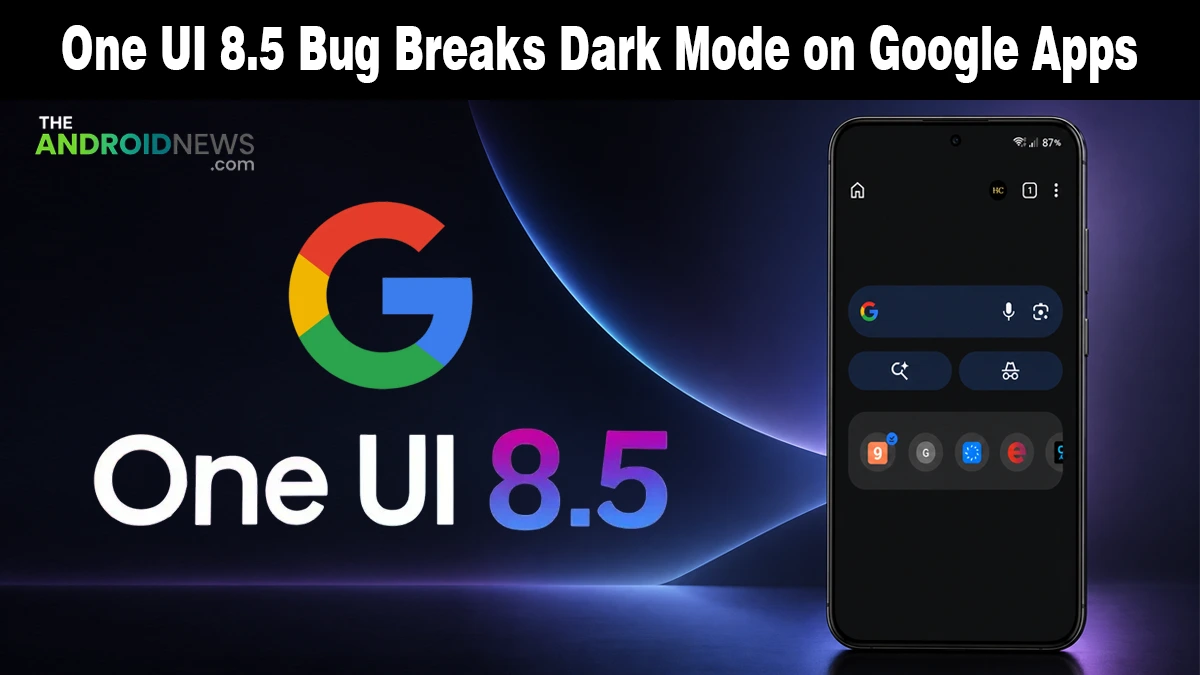
According to Android Authority, multiple Galaxy users on Reddit and the Samsung Community forum report that One UI 8.5 introduces inconsistent dark mode rendering, with a mix of pure black, dark gray, and light gray UI elements appearing within the same app interface.
The bug is not isolated to one device or one app. Reports span the Galaxy S25, Galaxy S24, and other Galaxy models.
The most commonly affected apps in screenshots shared by users are Google Chrome, Google Messages, and the Samsung Phone app, all showing mismatched color tones across elements that should be rendering in a unified dark palette.
The Exact Cause Has Been Identified
Reddit user MohamedEIngar identified the root cause: Samsung changed the default system color palette in One UI 8.5, and that change is now conflicting directly with Google’s Material You design system.
Material You uses system-generated colors to theme apps automatically. On Samsung devices, One UI changes those default colors, and this mismatch causes Google apps to show different dark shades (black, dark gray, light gray) instead of a consistent dark mode.
This is a compatibility clash, not a hardware fault. The Samsung-side palette change and Google-side dynamic theming are pulling in opposite directions, and the visual result lands in your apps.
Two Workarounds That Actually Work
Samsung hasn’t released a formal fix. A support rep mentioned the color may be adjusted in a future update, but it’s not official and wasn’t included in the May 2026 security patch.
Android Authority confirmed two workarounds that currently resolve the issue for most affected users.
1. Color Palette adjustment: Go to Settings > Wallpaper and style > Color Palette. Select a different palette, apply it, then switch back to your preferred option. This resets the palette values and resolves the mismatch for most users without any third-party tools.
2. Shizuku revert: A Reddit-shared method uses a forked Shizuku tool to reset the system color palette to its pre–One UI 8.5 state, fixing the issue but requiring developer-level tools. The specific commands are documented in the Reddit thread linked in the source.
As Samsung pushes more software changes through its beta and stable cycles simultaneously, something highlighted in the second April update rollout, bug clustering like this becomes more likely when multiple changes interact at the system level.
What to Do Until Samsung Patches It
If the Color Palette toggle resolves it for you, that is the fastest and safest fix.
If the issue returns after a reboot, run through the palette swap again; some users have reported it needs to be repeated after restarts.
Report the bug to Samsung directly through the Samsung Members app using the Error reports feature. The more reports Samsung receives, the faster a formal patch tends to arrive.
Source: A fix for the “inconsistent” default gray dark color palette