My Top 6 Best VPN Apps for Android in 2026 (Hands-On Review)
Finding the best VPN apps for Android isn’t about downloading the first app you see on Google; it’s about choosing one that fits your needs.
I’ve tested several VPN Android apps in real-world situations, just as I previously covered the best Android apps for performance and usability.
During a seminar, slow internet and blocked websites nearly interrupted my work until Cloudflare WARP restored a fast, stable connection. When I needed different IP locations for testing, Urban VPN came in handy.
Moving onward, I compare the best Android VPN apps 2026 based on:
- Privacy & security
- Speed & performance
- Free vs. premium features
- Ease of use & overall value
Whether you’re considering Turbo VPN, Cloudflare WARP, Windscribe, TunnelBear, Urban VPN, or others, this will give you a clear idea about you choose the best VPN app for your needs in 2026.
Which Is the Best VPN App for Android? Top Picks I prefer
After testing different VPN Android apps in real-world scenarios, I found that each one excels in different areas.
Below are the top VPNs worth considering and what makes each of them stand out.
- Cloudflare WARP – Best for improving connection stability and securing public Wi-Fi.
- Turbo VPN – Best for fast connections, streaming, and everyday browsing.
- Windscribe – Best for privacy-focused users who want a generous free plan.
- TunnelBear VPN – Best for beginners who prefer a simple, user-friendly VPN.
- Urban VPN – Best for accessing multiple IP locations and region-specific content.
- Browsec VPN – Best for lightweight browsing protection and quick one-tap connections.
Cloudflare WARP
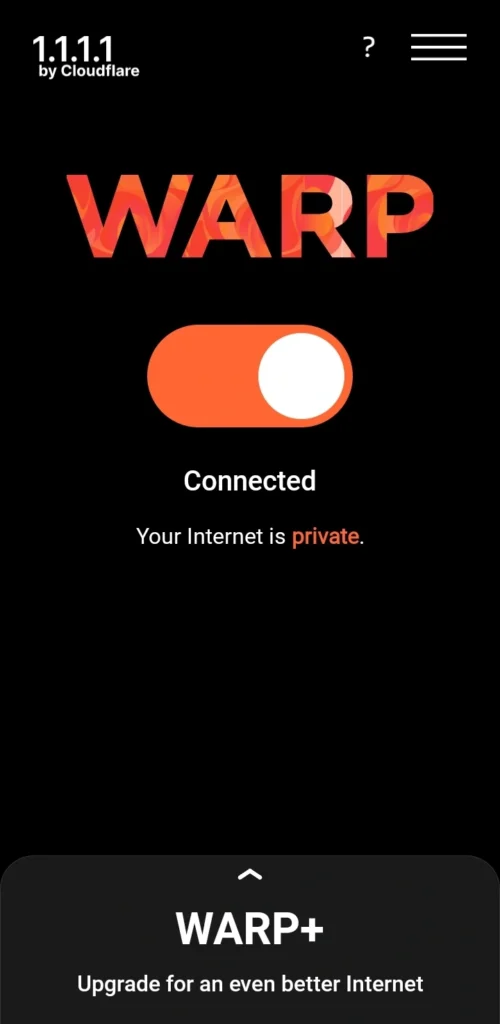
Cloudflare WARP is one of the best VPN apps for Android for users who want a secure, stable internet connection without complex settings.
Instead of offering multiple server locations, it encrypts your traffic and optimizes network routing for smoother browsing, especially on public Wi-Fi.
I’ve relied on Cloudflare WARP whenever unstable public Wi-Fi disrupted my work. During a seminar, several websites wouldn’t load until I enabled WARP, which stabilized the connection and let me continue without switching networks.
If weak mobile coverage is the issue rather than network security, you can also improve Android signal strength.
Key Features
- One-tap connection
- Encrypts internet traffic
- Optimized network routing
- Lightweight Android app
- Free plan with an optional premium upgrade
Best For: Users who want a lightweight VPN for secure browsing and a more stable internet connection on Android.
Windscribe
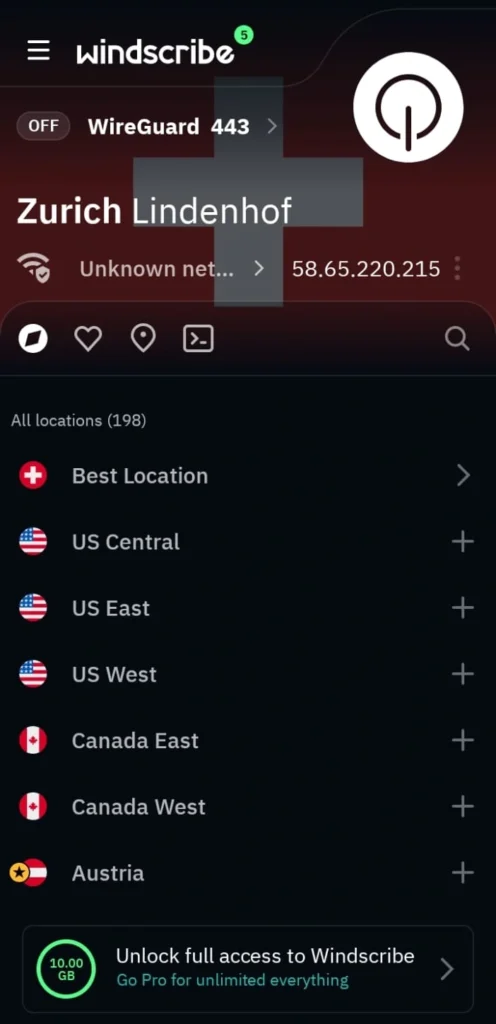
If trusting your VPN matters as much as its features, Windscribe is one of the strongest options available. I usually switch to Windscribe when I need a reliable free VPN without sacrificing security.
Its no-logs policy has been tested in real legal cases. Its open-source apps and independent security audits add another layer of transparency.
It has consistently handled region-specific website testing well, and the interesting part is that its 10 GB monthly free plan is enough for everyday browsing before upgrading.
Key Features
- 10 GB free data every month
- 10 Gbps servers for fast browsing and streaming
- AES-256 encryption with a no-logs policy
- Split Tunneling, Firewall Kill Switch, and DNS leak protection
- Built-in ad, tracker, and malware blocker
- Open-source apps with independent security audits
Best For: Users who want a trustworthy VPN with strong privacy features and one of the best free plans available.
TunnelBear
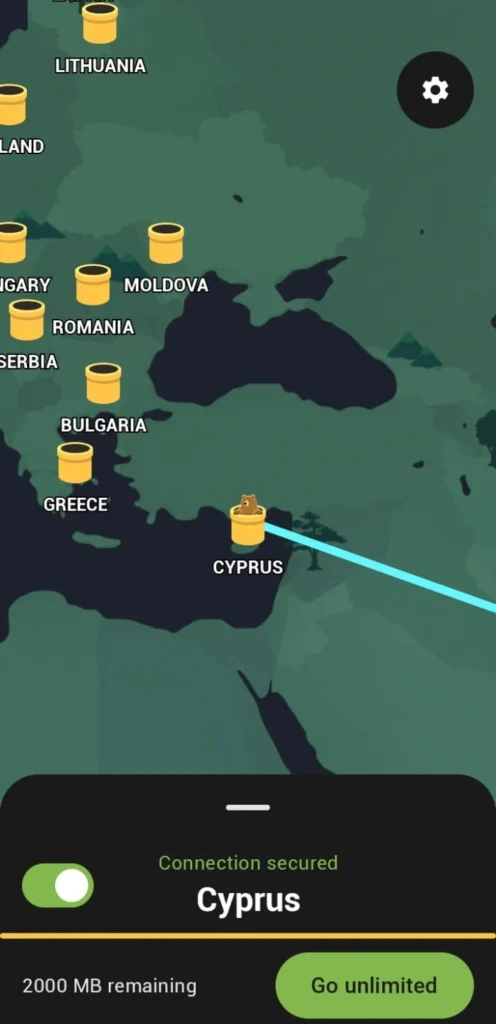
TunnelBear VPN is one of the easiest VPN apps for android to get started with. Its clean interface, one-tap connection, and transparent privacy make it a great choice for beginners without dealing with complicated settings.
I recommended TunnelBear to a friend who had never used a VPN before, and within minutes, they were connected without asking for help.
That’s what I like most about it: it focuses on simplicity without compromising essential security features.
Key Features
- 2 GB free data every month
- 9,000+ servers across 47 countries
- AES-256 encryption
- Independent annual security audits
- WireGuard support for fast, stable connections
- Unlimited device connections
Best For: Beginners looking for a simple, trustworthy VPN with strong privacy and an easy-to-use interface.
Urban VPN
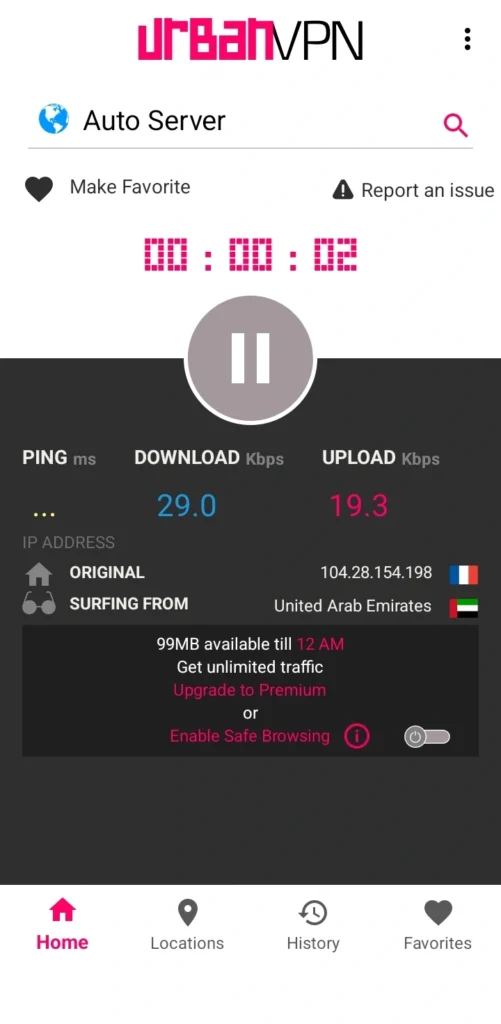
Now I will tell you what I use when I require IP Address assistance from multiple regions for work, and the answer is Urban VPN. It’s a practical choice for browsing region-specific websites, testing localized content, and bypassing basic geo-restrictions.
I usually use Urban VPN when I need to check how websites or search results appear in different regions. Instead of switching between multiple VPN apps, I can quickly connect to a different location without any complicated setup.
Key Features
- 632 free VPN servers
- Access to 80+ countries
- Quick IP location switching
- Advanced encryption for secure browsing
- Free and Premium plans
- Dedicated premium servers for faster performance
Best For: Users who need quick access to multiple virtual locations for browsing, testing, and accessing region-restricted content.
Browsec VPN
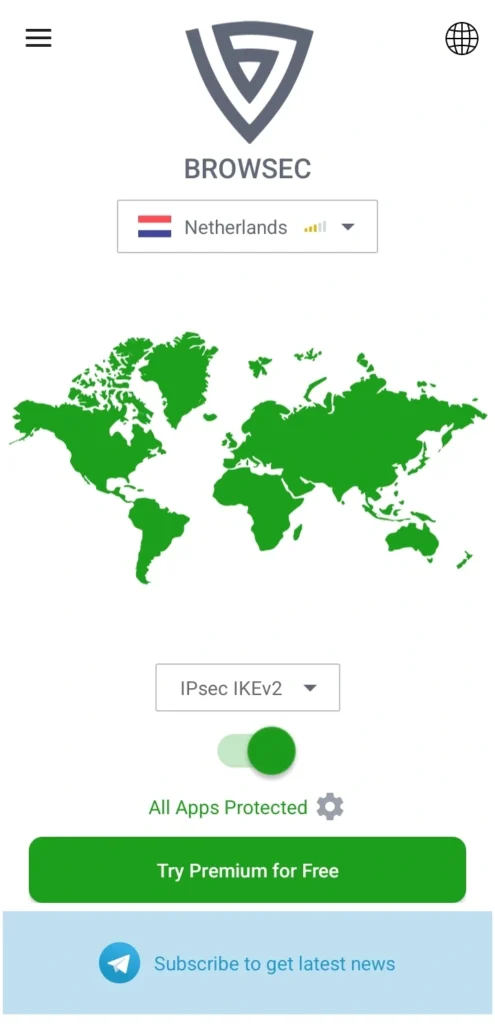
If you want a VPN that works with minimal setup, Browsec VPN is a solid option. Its one-tap connection, clean interface, and free server locations make it convenient for browsing safely wherever you are.
I’ve used Browsec VPN when I needed a quick, hassle-free connection without adjusting multiple settings. It connected within seconds, and switching between available locations was straightforward enough for everyday browsing and occasional travel.
Key Features
- One-tap connection
- Free server locations in the US, Netherlands, and Singapore
- Hide your IP address for private browsing
- Split Tunneling for selected apps
- Simple, beginner-friendly interface
- Unlimited data with the Premium plan
Best For: Users who want a lightweight VPN for secure browsing, travel, and quick access to region-restricted websites.
Turbo VPN
Turbo VPN is the one which gets connected in seconds. Its one-tap connection, fast servers, and unlimited free plan make it a practical choice for everyday browsing, streaming, gaming, and securing public Wi-Fi.
I’ve used Turbo VPN whenever I needed a quick VPN without configuring multiple settings. It connected almost instantly, making it convenient for streaming without noticeable delays.

Key Features
- 500M+ downloads worldwide
- Unlimited free VPN with premium upgrades
- One-tap connection
- Fast servers for browsing, streaming, and gaming
- AES-128 encryption with multiple VPN protocols
- Dedicated streaming and gaming servers
Best For: Users who want a fast, beginner-friendly VPN for everyday browsing, streaming, gaming, and public Wi-Fi protection.
How Do You Choose the Best VPN App for Android?
The best VPN app for Android depends on how you plan to use it, whether for streaming, gaming, secure browsing, or accessing geo-restricted content.
Compare security features, connection speed, server locations, privacy policies, and pricing instead of choosing the most downloaded app.
A reliable VPN should also include a no-logs policy, strong encryption, a Kill Switch, and DNS leak protection.
After testing multiple VPNs, I found that each serves a different purpose. Cloudflare WARP delivered a faster, more stable connection on public Wi-Fi, while Urban VPN was more useful when I needed IP addresses from different countries.
Before choosing a VPN, look for:
- Free and premium plans that fit your budget.
- Strong encryption and a no-logs policy.
- Fast servers for streaming, gaming, and browsing.
- Multiple server locations to access geo-restricted content.
- Kill Switch, Split Tunneling, and DNS leak protection.
- Cross-device compatibility.
Why Do You Need the Best VPN App for Android?
The best VPN app for Android encrypts your internet connection, hides your IP address, and protects your data on public Wi-Fi.
It also helps you access geo-restricted websites, bypass network restrictions, and reduce online tracking for a safer browsing experience. Pairing a VPN with other security and privacy apps gives your Android device even better protection.
I don’t keep a VPN running all the time. Instead, I use one when connecting to public Wi-Fi, testing region-specific websites, or accessing services unavailable in my location.
Here are the biggest benefits of using a VPN Android app:
- Protects your data on public Wi-Fi.
- Hides your IP address to limit online tracking.
- Accesses geo-restricted websites, apps, and streaming platforms.
- Bypasses network restrictions at schools, workplaces, hotels, and airports.
- Improves security against hackers and unsecured networks.
- Reduces ISP throttling for smoother browsing and streaming.
If you frequently browse outside your home network, the best VPN program for Android adds an extra layer of privacy and security.
What People Also Ask for
Can the FBI track a VPN?
Yes, the FBI can track users behind a VPN, especially during targeted investigations.
While a VPN (Virtual Private Network) encrypts your internet traffic and masks your IP address, it is not foolproof. Law enforcement agencies like the FBI can obtain data from VPN providers through legal means.
Does using a VPN slow down your Android internet speed?
Yes, a VPN can slightly reduce your internet speed because it encrypts your internet traffic and routes it through a secure server.
However, services like Cloudflare WARP are optimized to minimize speed loss and can even improve connection stability on some networks.
Can I use a VPN on Android without creating an account?
Yes, some VPN apps let you connect without creating an account, while others require one to access free or premium features. The signup requirement depends on the VPN provider you choose.
Is it safe to use a free VPN on Android?
Yes, but only if you choose a trusted VPN provider. Look for features like a no-logs policy, strong encryption, and a proven privacy record.
Avoid free VPNs that collect unnecessary user data or rely heavily on intrusive advertising.
Can I use the same VPN on multiple Android devices?
Yes, most VPN providers support multiple device connections under one account.
The number of simultaneous connections varies by provider and subscription plan.
Can a VPN improve online gaming on Android?
Yes, but only in certain situations.
A VPN can bypass ISP throttling, improve routing on some networks, and secure your connection on public Wi-Fi, although it won’t always reduce your ping.
Does Android come with a built-in VPN?
No, Android doesn’t include its own VPN service.
It only provides built-in support for VPN connections, so you’ll need to install a trusted VPN app or configure a VPN manually.
When should you use a VPN on your Android phone?
You should use a VPN whenever privacy and security matter.
I usually turn one on while using public Wi-Fi, accessing geo-restricted websites, testing different IP locations, or handling sensitive information online.
My Closing Opinion on the Best VPN App for Android
After testing these VPN Android apps in different situations, I’ve learned that there’s no single best VPN app for Android for everyone.
Cloudflare WARP remains my first choice for everyday browsing and public Wi-Fi, while Windscribe stands out for privacy and its generous free plan.
If you need multiple virtual locations, Urban VPN is a practical option. Ultimately, the best Android VPN app in 2026 is the one that fits your browsing habits, security needs, and budget, not simply the most popular download.