You Can Finally Turn Off YouTube Shorts: Here Is the “Zero-Minute” Mobile Trick
The infinite scroll of YouTube Shorts has been a permanent fixture of the app since 2020, often cluttering your feed with vertical clips you never asked for.
While many users love the quick content, others have been begging for a “kill switch” to return to a traditional video experience. That switch has finally arrived, following YouTube’s price hike, but it is tucked away inside a setting you might have ignored.
How the New “Zero Minute” Trick Works
According to PCMag, YouTube has expanded its time management tools to include a “zero” option for your daily scrolling habits.
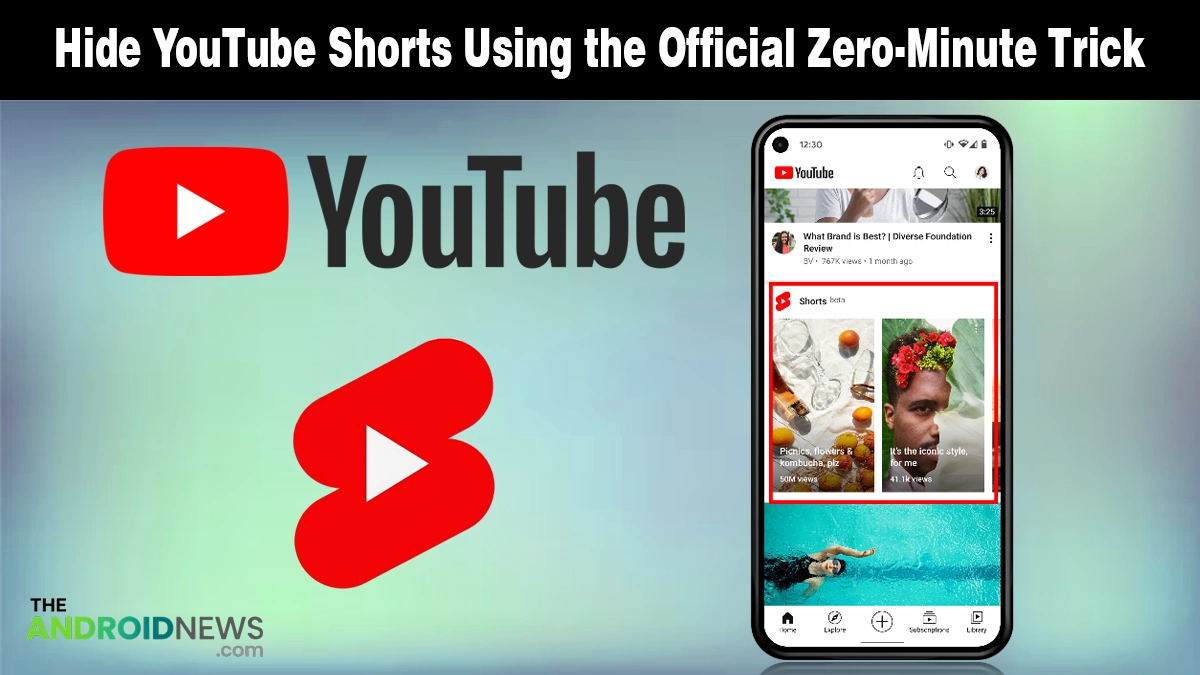
This update allows you to set a specific limit for how long you want to engage with short-form content each day. By selecting the zero-minute option, the app essentially recognizes that you have reached your limit before you even start, hiding the Shorts shelf from your main view.
Here is exactly how you can use this trick on your device right now:
- Open your Profile: Tap your picture in the bottom-right corner and head into the Settings menu.
- Find Time Management: Look for the section labeled “Time management” where Google groups its wellness features.
- Toggle the Limit: Select the Shorts feed limit option and switch the toggle to the on position.
- Set to Zero: Move the slider all the way down to 0 minutes to tell the app you are done for the day.
- Refresh the Feed: Close and restart your app to see the Shorts tab and horizontal shelves disappear.
This is not a permanent deletion, but rather a “polite nudge” that clears the clutter.
If you are a parent using Google Family Link, this setting is even more powerful because it can be made non-bypassable for teen accounts.
For regular users, the shelf stays hidden, but you can still watch a specific Short if a friend sends you a direct link.
Why This Change Matters for Your Home Feed
Google is finally giving you official control over your own digital well-being.
This rollout comes as users look for a more streamlined experience across all Google platforms. Whether you are exploring the recent YouTube Music redesign or just trying to reduce distractions, having a cleaner interface is a massive win.
It is worth noting that this feature is currently a mobile-exclusive update.
If you use YouTube on your desktop, the Shorts shelf will likely still appear in its usual spot. However, for those of us who browse primarily on our phones, this trick is the closest we have ever been to a truly Shorts-free experience.
When Will You Get the Update?
The update is rolling out in phases through the Google Play Store.
Most users on the latest version of the app should already see the zero-minute option inside their settings. If you don’t see it yet, don’t worry, as usual, it’s a server-side switch that should flip for everyone within the next few days.