Best Emulators for Android: PS2, GBA, SNES & More in 2026
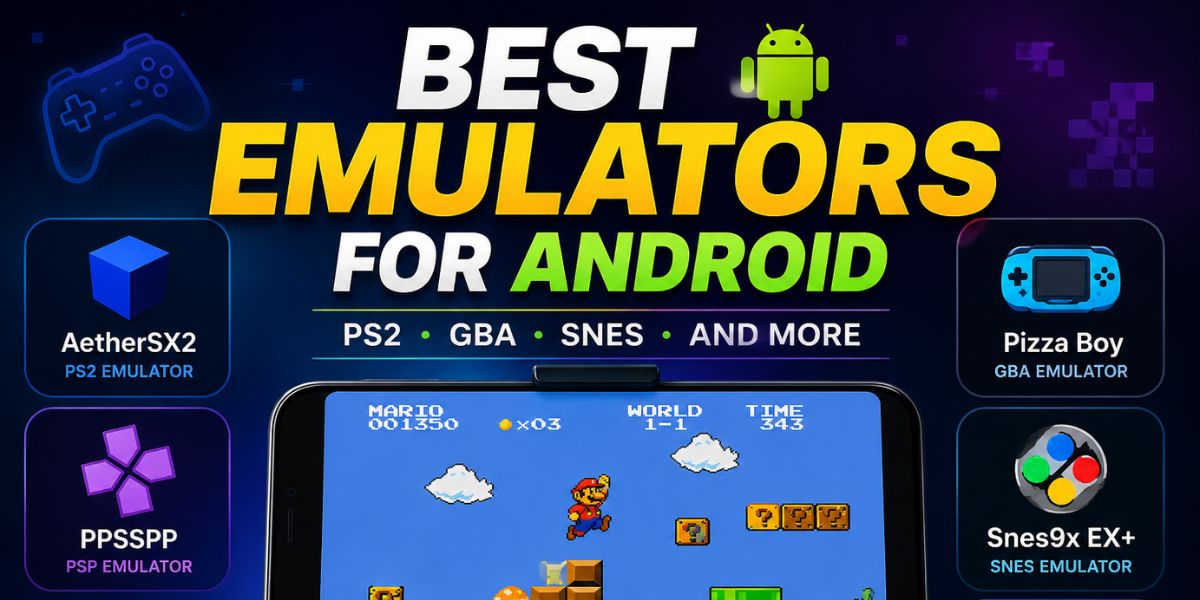
Android phones are now powerful enough to play classic console games using emulators. Many gamers use Android emulators to enjoy old PlayStation, Nintendo, Sega, and PSP games on their phones and tablets. These apps help users relive retro gaming without needing old consoles. Modern emulators also support HD graphics, game controllers, save states, and cloud syncing.
Some emulators work better for PS2 games, while others are designed for GBA, SNES, or Nintendo DS games. Choosing the right emulator can improve gaming performance and compatibility. This guide covers the best emulators for Android that offer smooth gameplay, useful features, and reliable performance.
What Are Android Emulators?
Android emulators are apps that copy the functions of gaming consoles on smartphones and tablets. They allow users to run old console games directly on Android devices. Emulators support systems like PS2, SNES, GBA, PSP, Nintendo DS, and GameCube. These apps usually need game ROM files to work.
Most modern emulators include extra features like fast save, cheat support, controller compatibility, and screen customization. Android emulators have become popular because they provide portable gaming anywhere. Many users enjoy retro games with improved graphics and smoother gameplay compared to original gaming consoles from the past.
Why Emulators Are Popular in 2026
Emulators are more popular in 2026 because Android devices are now much faster and more powerful. New processors can easily handle classic console games without lag. Many gamers also like the convenience of playing retro games on mobile phones instead of carrying old gaming systems.
Emulators now support wireless controllers, better graphics, and multiplayer features. Foldable phones and gaming phones have also improved the gaming experience. Another reason for their popularity is game preservation. Many classic games are difficult to find today, so emulators help players enjoy old titles again on modern Android devices with better controls and display quality.
NetherSX2 – Best PS2 Emulator for Android
NetherSX2 is one of the best PS2 emulators for Android in 2026. It is based on the popular AetherSX2 project and supports many PlayStation 2 games. The emulator works well on modern Snapdragon-powered phones and supports HD upscaling, save states, and controller mapping.
Many users like NetherSX2 because it offers smooth gameplay for famous PS2 titles like God of War, Final Fantasy X, and Gran Turismo 4. The app also includes graphics settings that help improve performance on different Android devices. Players with high-end phones can enjoy PS2 gaming with better graphics than the original console.
PPSSPP – Best PSP Emulator
PPSSPP continues to be the best PSP emulator for Android users. It supports almost every PSP game and offers excellent performance on both budget and flagship phones. The emulator allows HD graphics, texture improvements, fast save, and customizable controls. Many gamers use PPSSPP to play popular PSP games like Tekken 6, God of War:
Ghost of Sparta, and Naruto Ultimate Ninja Heroes. The emulator also supports Bluetooth controllers for a console-like experience. PPSSPP is easy to use and receives regular updates for better compatibility and bug fixes. It remains one of the most trusted Android emulators in 2026.
Snes9x EX+ – Best SNES Emulator
Snes9x EX+ is a top SNES emulator for Android devices. It is lightweight, simple, and works well on older and newer phones. The emulator supports save states, cheat codes, and external controllers. Many retro gamers use it to play classic SNES games like Super Mario World, Donkey Kong Country, and Chrono Trigger.
The app also supports compressed ROM files, which helps save storage space on Android devices. Snes9x EX+ is free and open-source, making it a popular choice among retro gaming fans. Its smooth gameplay and low battery usage make it ideal for long gaming sessions.
Pizza Boy GBA – Best GBA Emulator
Pizza Boy GBA is one of the best Game Boy Advance emulators available for Android in 2026. The emulator is known for its clean design and excellent game compatibility. It supports save states, cheat codes, fast-forward mode, and customizable touch controls.
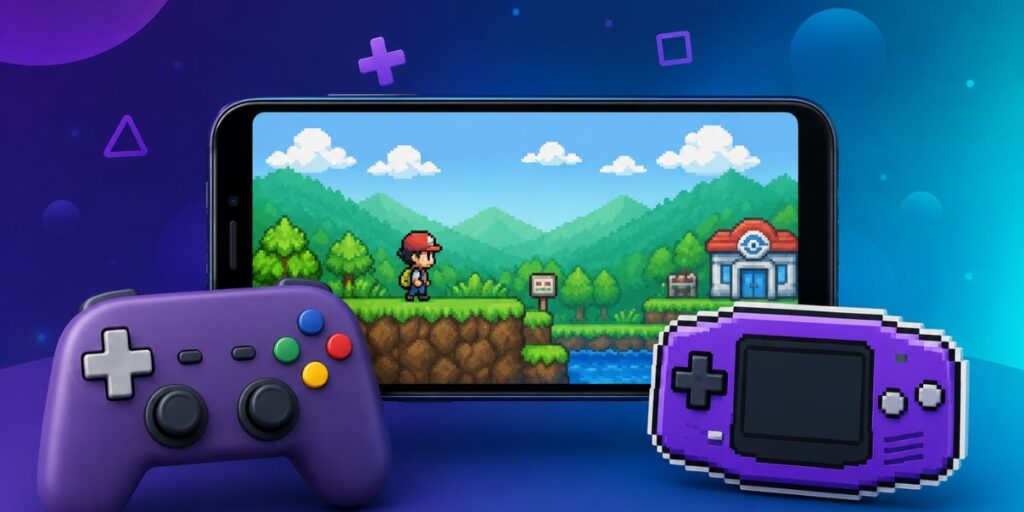
Many users enjoy playing Pokémon Emerald, Metroid Fusion, and Advance Wars using Pizza Boy GBA. The app runs smoothly even on mid-range Android phones. It also supports multiplayer features and external controllers. The modern user interface makes it easier for beginners to use compared to older GBA emulators available on Android devices today.
RetroArch – Best Multi-System Emulator
RetroArch is a powerful emulator platform that supports many gaming systems in one app. Users can play games from NES, SNES, GBA, PlayStation, Sega Genesis, and arcade systems. Instead of separate emulators, RetroArch uses downloadable cores for different consoles. The app includes advanced features like shaders, cloud saves, achievements, and multiplayer support.
Although the interface can feel difficult for beginners, experienced users love its flexibility and customization options. RetroArch is free and open-source, making it one of the most respected emulator projects in the gaming community. It is perfect for users who want multiple consoles in one emulator.
Lemuroid – Best Emulator for Beginners
Lemuroid is a simple and beginner-friendly emulator for Android users. It supports several gaming systems, including SNES, NES, GBA, Nintendo DS, and PSP. The app automatically scans games and organizes them with cover images. Lemuroid is free, open-source, and has no ads, which makes it attractive for casual gamers.
The clean interface is easy to understand, even for first-time emulator users. It also supports cloud saves and external controllers. Many Android gamers choose Lemuroid because it combines simplicity with good performance. It works especially well on Android tablets, foldable phones, and Android TV devices.
Dolphin Emulator – Best for GameCube and Wii
Dolphin Emulator is the best choice for playing Nintendo GameCube and Wii games on Android. It supports HD graphics, widescreen settings, and controller customization. Many modern Android phones can now run GameCube games smoothly using Dolphin. Popular games like Mario Kart Wii, Zelda: Wind Waker, and Super Smash Bros.
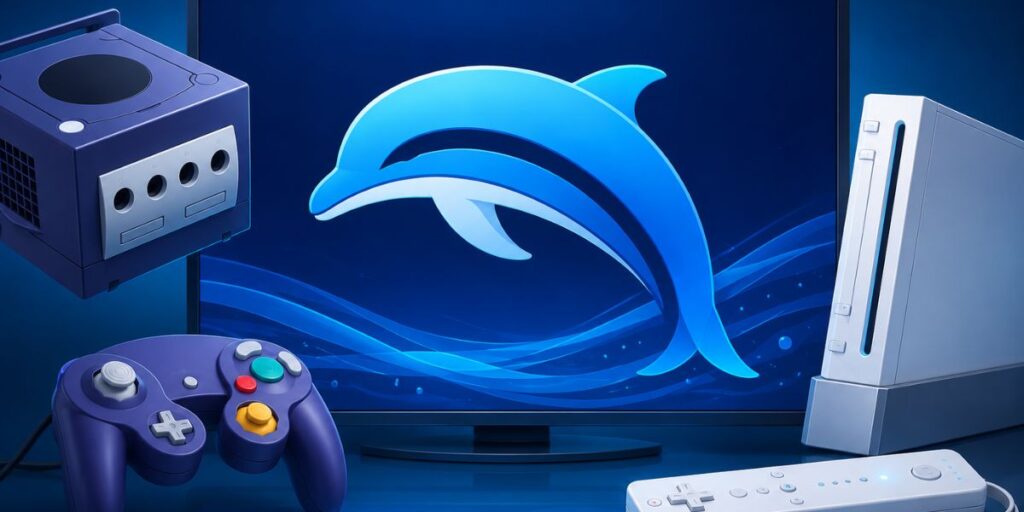
Melee works very well with proper settings. Dolphin also supports Vulkan graphics rendering for improved performance. The emulator receives regular updates that improve compatibility and reduce lag. Although it requires a powerful Android phone, Dolphin delivers an impressive portable console experience for Nintendo fans in 2026.
DraStic – Best Nintendo DS Emulator
DraStic remains one of the best Nintendo DS emulators for Android users. It provides fast performance, customizable controls, and excellent game compatibility. Even budget Android phones can run many Nintendo DS games smoothly with DraStic. The emulator supports save states, fast-forward mode, and screen layout customization.
Players enjoy games like Pokémon Black, Mario Kart DS, and New Super Mario Bros. using this emulator. DraStic also improves graphics quality for a better visual experience on modern displays. Its easy setup and stable performance continue to make it a favorite among Nintendo DS fans in 2026.
Features to Look for in an Emulator
Before downloading an emulator, users should check important features. Good compatibility is necessary because some emulators support more games than others. Save states are useful because they allow players to continue games at any time. Controller support improves gameplay for action and racing games.
HD upscaling can make old games look sharper on modern screens. Fast-forward mode helps skip slow scenes in RPG games. Frequent updates are also important because developers regularly fix bugs and improve compatibility. Choosing an emulator with a simple interface and low battery usage can provide a much better gaming experience on Android devices.
Are Android Emulators Legal?
Emulators themselves are legal in many countries because they only copy gaming hardware through software. downloading copyrighted games without owning them may break copyright laws. Many emulator developers encourage users to create backups of games they already own.
Open-source emulators focus on preserving gaming history rather than piracy. Users should always download emulators from trusted sources like the Google Play Store or official websites. Avoiding fake emulator apps is important because some may contain malware or excessive ads. Safe downloading practices help protect Android devices while enjoying retro gaming in 2026.
Tips for Better Emulator Performance
Users can improve emulator performance with a few simple steps. Lowering graphics resolution helps games run faster on weaker devices. Using Vulkan graphics rendering often improves FPS on newer phones. Closing background apps also frees memory and processing power for smoother gameplay.
External controllers provide better control compared to touchscreen buttons. Keeping emulators updated is important because updates improve compatibility and fix bugs. Devices with Snapdragon processors usually perform better for advanced emulation like PS2 and GameCube gaming. Good cooling systems on gaming phones can also help reduce overheating during long gaming sessions.
Final Words
Android emulators have become better than ever in 2026. Players can now enjoy classic console games directly on their smartphones with improved graphics and smooth performance. NetherSX2 is excellent for PS2 gaming, while PPSSPP remains the top PSP emulator. Snes9x EX+ and Pizza Boy GBA are great choices for retro Nintendo fans.
RetroArch and Lemuroid are perfect for users who want support for multiple systems in one app. Choosing the right emulator depends on device power and gaming preferences. With the right setup, Android phones can provide an amazing portable retro gaming experience anytime and anywhere.
Best Emulators for Android FAQs
Which is the best PS2 emulator for Android in 2026?
NetherSX2 is considered one of the best PS2 emulators for Android in 2026. It offers smooth gameplay, HD graphics support, save states, and controller compatibility for many popular PS2 games.
Are Android emulators safe to use?
Yes, Android emulators are generally safe if downloaded from trusted sources like the Google Play Store or official websites. Users should avoid fake emulator apps because some may contain malware or excessive ads.