How to Play PC Games on Android (Cloud Gaming Guide) in 2026
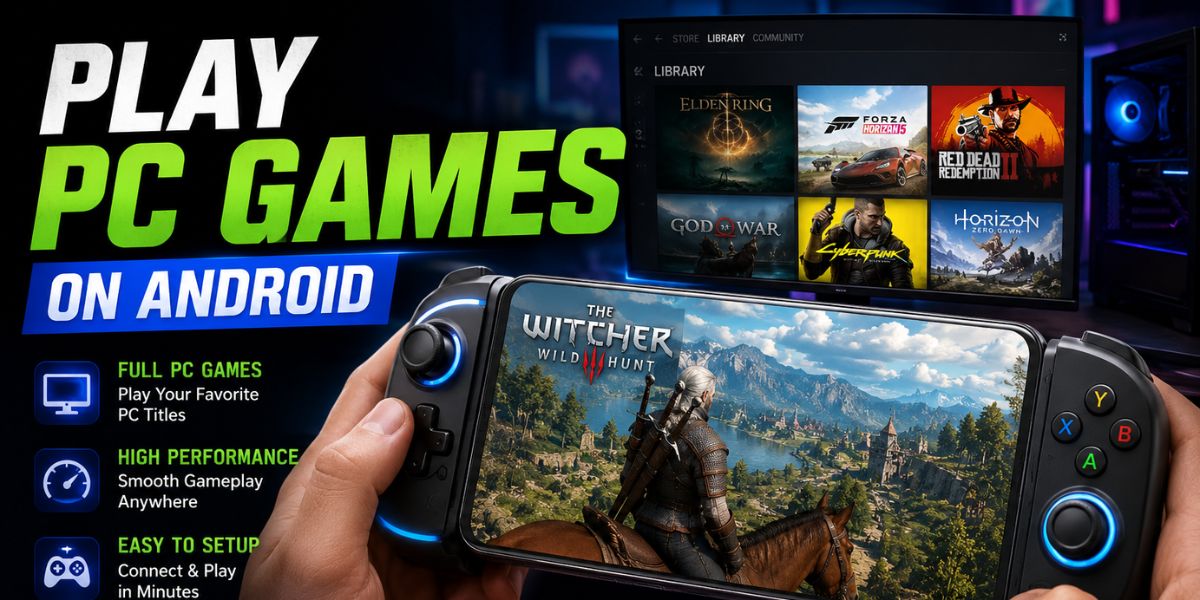
Mobile gaming technology has improved dramatically in 2026, allowing Android users to enjoy PC-quality games directly on their smartphones and tablets. Thanks to cloud gaming, remote streaming, and powerful internet connections, players no longer need expensive gaming computers to experience popular PC titles.
Games that once required high-end graphics cards can now run smoothly on Android devices through streaming services and remote access platforms. This guide explains how to play PC games on Android using modern cloud gaming methods, streaming apps, and optimization tips. Whether you enjoy action games, racing titles, RPGs, or competitive shooters, cloud gaming makes PC gaming portable and more accessible than ever before.
What Is Cloud Gaming on Android?
Cloud gaming allows users to play PC games on Android devices by streaming gameplay from powerful remote servers instead of running games directly on the phone. The game processes on cloud hardware while video and controls are transmitted through the internet in real time.
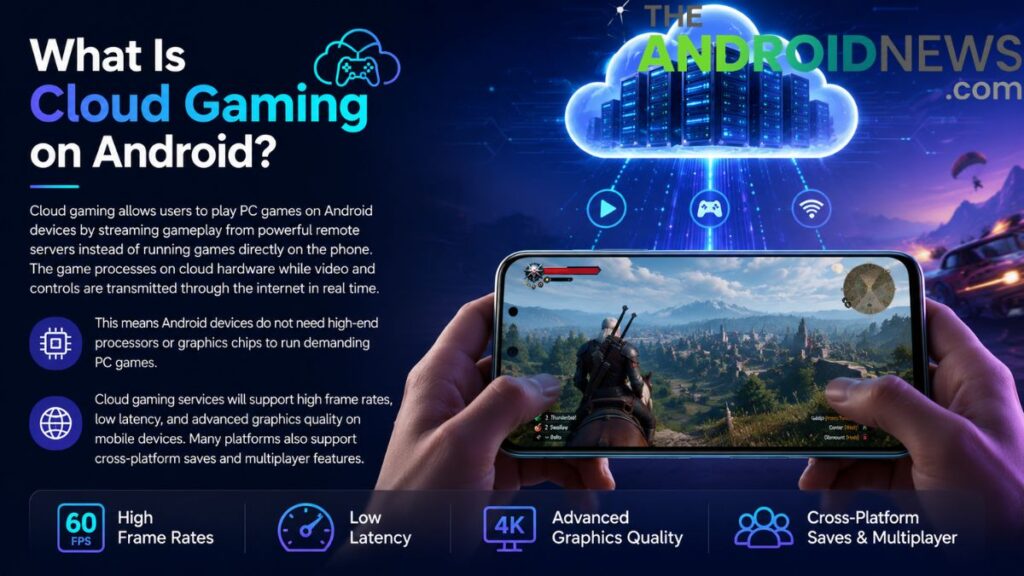
This means Android devices do not need high-end processors or graphics chips to run demanding PC games. Cloud gaming services will support high frame rates, low latency, and advanced graphics quality on mobile devices. Many platforms also support cross-platform saves and multiplayer features.
Why Cloud Gaming Is Popular in 2026
Cloud gaming has become extremely popular in 2026 because it removes the need for expensive gaming computers and large downloads. Modern smartphones already have high-quality displays and fast internet support, making them ideal for streaming games. Many players prefer gaming on the go instead of sitting at a desktop for hours.
Cloud gaming services also provide instant access to huge game libraries without requiring massive storage space. Subscription models make gaming more affordable compared to buying powerful gaming hardware. Faster Wi-Fi 6, 5G, and fiber internet connections have reduced latency significantly. As a result, cloud gaming now offers smoother and more reliable gameplay experiences on Android devices worldwide.
Requirements to Play PC Games on Android
Playing PC games on Android through cloud gaming requires a few important things. A stable high-speed internet connection is the most important requirement because cloud gaming depends on real-time streaming. Most services recommend at least 20 Mbps internet speed for smooth gameplay. A modern Android phone with decent RAM and updated software also improves the experience.
Many cloud gaming platforms will support Bluetooth controllers for better controls. Some services require subscriptions, while others allow remote streaming from personal gaming PCs. A good Wi-Fi connection is usually better than mobile data for lower latency. Meeting these requirements ensures smoother gameplay and fewer interruptions during gaming sessions.
Best Cloud Gaming Services for Android
Popular services provide access to high-performance gaming servers capable of running advanced AAA games. These services support large game libraries, multiplayer gaming, and cross-platform synchronization. Some platforms work through monthly subscriptions, while others require users to own games separately.
Many cloud gaming apps now support high-resolution streaming and controller compatibility. Players can choose services depending on their internet quality, game preferences, and regional availability. Different platforms also focus on different gaming styles, such as casual gaming, competitive esports, or console-like experiences.
How Xbox Cloud Gaming Works on Android
Xbox Cloud Gaming remains one of the most popular cloud gaming platforms. It allows Android users to stream Xbox and PC-supported games directly through the cloud without downloads. Players can access many titles instantly using a compatible controller and internet connection. Xbox Cloud Gaming supports multiplayer features, cloud saves, and synchronization across devices.
The service works well on Android smartphones, tablets, and even some smart TVs. Microsoft continues improving server performance and latency reduction technology for smoother gameplay. Many modern Android devices now support high refresh rate streaming through the service. Xbox Cloud Gaming provides an easy way to enjoy premium games without expensive hardware.
NVIDIA GeForce NOW for Android Gaming
NVIDIA GeForce NOW is another leading cloud gaming platform that allows Android users to play PC games they already own from supported digital stores. The service streams games from powerful RTX-based servers, delivering impressive graphics quality and ray tracing support.
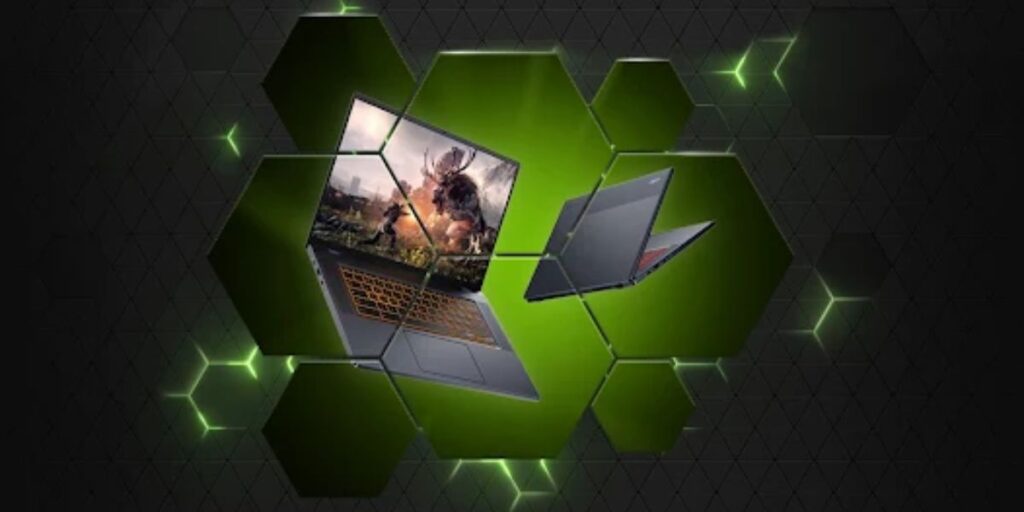
GeForce NOW supports high frame rates, advanced graphics options, and improved latency reduction technology. Players can connect accounts from gaming stores and stream purchased titles instantly. Android users benefit from flexible performance settings and wide controller compatibility. GeForce NOW is especially popular among gamers who already have large PC game libraries. The platform provides near-PC-level gaming experiences on smartphones using cloud streaming technology.
Steam Link for Streaming PC Games
Steam Link allows users to stream games directly from their personal gaming PC to Android devices over local networks or internet connections. Unlike cloud gaming services using remote servers, Steam Link relies on your own computer’s hardware. This method provides full access to personal Steam libraries without extra subscription fees.
Steam Link supports better compression technology, lower latency, and higher resolution streaming. Players can use touch controls or Bluetooth controllers, depending on the game. A strong gaming PC and a stable internet connection are necessary for smooth remote streaming. Steam Link is ideal for users who already own powerful gaming computers and want portable gaming flexibility.
Moonlight and Sunshine Streaming Apps
Moonlight and Sunshine are advanced game streaming tools popular among Android gaming enthusiasts in 2026. These android apps allow users to stream games from personal PCs with low latency and excellent image quality. Moonlight works especially well with NVIDIA graphics cards, while Sunshine acts as a customizable streaming host for various systems.
These tools support high refresh rates, controller compatibility, and advanced streaming settings. Many users prefer them because they offer more control and customization compared to commercial cloud gaming platforms. Setting up these apps may require technical knowledge, but they provide outstanding performance when configured correctly. They are excellent options for experienced gamers seeking high-quality Android game streaming.
Internet Speed Needed for Cloud Gaming
Internet quality directly affects cloud gaming performance on Android devices. Slow or unstable internet connections can cause lag, blurry graphics, audio delays, and input latency. Most cloud gaming platforms recommend at least 20 Mbps for 1080p gaming and higher speeds for 4K streaming.
Wi-Fi 6 and fiber connections provide the best results because they offer stable speeds and lower latency. Mobile 5G networks also perform much better than older mobile technologies. Avoid downloading large files while gaming because bandwidth sharing reduces streaming quality. Using Ethernet adapters for tablets or gaming hubs may improve stability further.
Best Android Devices for Cloud Gaming
Not every Android phone offers the same cloud gaming experience. Devices with powerful processors, high refresh rate displays, good cooling systems, and large batteries perform better during long gaming sessions. Gaming-focused smartphones are especially popular in 2026 because they include advanced cooling systems and optimized performance modes. AMOLED displays with 120Hz or higher refresh rates provide smoother visuals for streamed games.
Tablets also offer larger screens for better gameplay experiences. Battery capacity matters because cloud gaming consumes significant power during extended sessions. Phones with Wi-Fi 6E and strong 5G support deliver more stable streaming performance. Choosing the right Android device improves comfort, graphics quality, and overall gaming responsiveness.
Using Controllers for Better Gameplay
Touchscreen controls work for some cloud games, but controllers provide much better accuracy and comfort for PC gaming on Android. Bluetooth controllers are widely supported by most cloud gaming platforms. Popular controller styles include console controllers, mobile gaming controllers, and compact travel accessories.
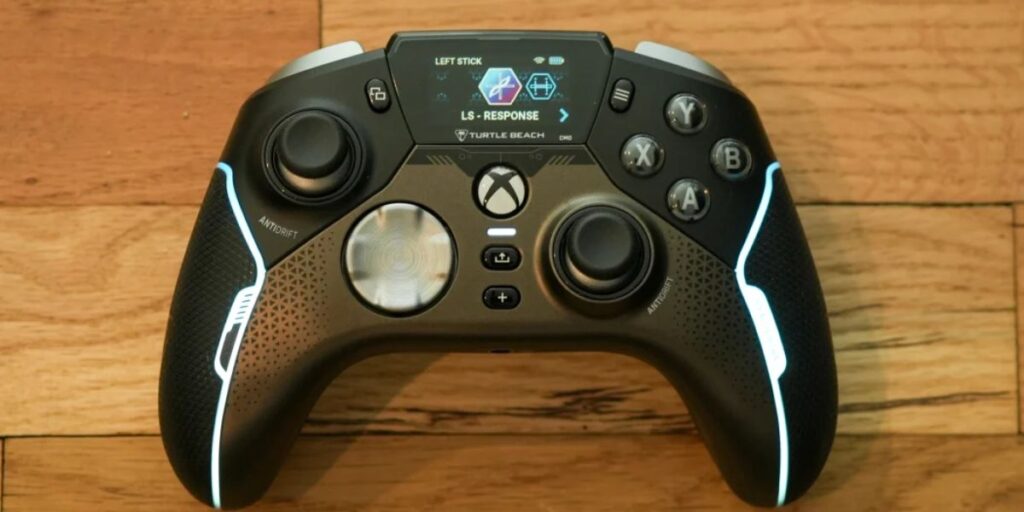
Many Android gamers prefer controllers because they improve aiming precision, movement control, and reaction times in competitive games. Some cloud gaming apps even allow custom button mapping for better control layouts. Clip-on controller mounts are also popular because they turn smartphones into portable handheld gaming systems. Using a controller creates a more authentic PC and console-like gaming experience on Android devices.
Reduce Lag While Cloud Gaming
Lag is one of the biggest challenges in cloud gaming because gameplay depends heavily on internet quality and server response times. To reduce lag, use fast and stable Wi-Fi connections instead of weak mobile data. Stay close to the router and avoid network congestion caused by downloads or streaming videos.
Many cloud gaming services include adaptive bitrate technology that adjusts streaming quality automatically. Lowering resolution settings may improve responsiveness on slower connections. Closing background apps also helps reduce network and processing load. Gaming during less crowded internet hours can improve server performance. Proper optimization significantly reduces input delay and improves the smoothness of cloud gaming on Android devices.
Battery Usage During Cloud Gaming
Cloud gaming consumes significant battery power because Android devices continuously process video streams, internet data, and controller connections. Long gaming sessions may drain the battery quickly, especially on older smartphones. Newer devices include more efficient processors and larger batteries, improving cloud gaming endurance.
Lowering screen brightness and disabling unnecessary background apps can extend battery life. Avoid overheating by removing thick phone cases during gaming sessions. Some players use cooling fans or gaming docks for better temperature control. Charging while gaming is possible, but excessive heat should be avoided. Proper battery management helps maintain performance stability and extends the long-term health of Android device batteries.
Advantages of Cloud Gaming on Android
Cloud gaming offers many advantages for Android users in 2026. Players can enjoy advanced PC games without purchasing expensive gaming hardware or downloading huge files. Games launch instantly through streaming services, saving storage space and installation time. Cloud gaming also supports cross-platform synchronization, allowing users to continue progress across multiple devices.
Frequent server upgrades mean players always access powerful hardware without manual upgrades. Portable gaming flexibility is another major advantage because users can play anywhere with a stable internet. Subscription models provide affordable access to large game libraries. These benefits make cloud gaming one of the fastest-growing gaming technologies for Android users around the world.
Limitations of Cloud Gaming
Although cloud gaming is impressive, it still has some limitations. Internet dependency remains the biggest challenge because poor connections can ruin gameplay experiences. Data usage is also very high during long gaming sessions, making unlimited internet plans preferable. Some competitive players still prefer local gaming hardware because even small input delays matter in esports titles.
Not all games are available on every cloud gaming platform due to licensing restrictions. Battery drain and device heating may also become issues during extended streaming. Cloud gaming subscriptions can become expensive over time if users subscribe to multiple services. Understanding these limitations helps users choose the best gaming setup.
Future of PC Gaming on Android
The future of PC gaming on Android looks extremely promising as cloud technology continues to improve rapidly. Companies are investing heavily in low-latency streaming, AI optimization, and portable gaming ecosystems. Faster 5G networks and future wireless technologies will further reduce lag and improve accessibility worldwide.
Foldable phones, gaming tablets, and AR devices may also transform mobile gaming experiences in the coming years. Many developers are designing games specifically for cloud gaming compatibility. Advanced server hardware and AI-based compression technologies will likely further improve graphics quality and responsiveness. Android devices are expected to become even more powerful gaming platforms as cloud gaming evolves globally.
FAQs
Can I really play PC games on Android?
Yes, you can play many PC games on Android using cloud gaming apps, game streaming software, or emulators. Services like Steam Link and GeForce NOW allow you to stream PC games directly to your Android phone.
What is the best way to play PC games on Android?
Cloud gaming is the easiest and most reliable method in 2026. It lets you play high-end PC games without downloading large files or owning a powerful gaming phone. A fast internet connection gives the best experience.
Do I need a gaming PC to play PC games on Android?
Not always. Cloud gaming platforms run games on remote servers, so you do not need your own gaming PC. However, apps like Steam Link require a PC connected to the same network.
Which Android phones are best for PC gaming?
Phones with strong processors, high refresh-rate displays, and good cooling systems work best. Gaming phones from ASUS, Samsung, and Xiaomi are popular choices.
Can I use a controller while playing PC games on Android?
Yes, most cloud gaming and streaming apps support Bluetooth controllers. Popular options include controllers from Sony and Microsoft for a console-like gaming experience.
Final Words
Learning how to play PC games on Android through cloud gaming opens exciting opportunities for gamers. Modern cloud gaming services allow users to stream advanced PC titles directly on smartphones and tablets without expensive gaming hardware. Platforms like Xbox Cloud Gaming, NVIDIA GeForce NOW, Steam Link, and Moonlight provide flexible ways to enjoy high-quality gaming experiences anywhere.
Success with cloud gaming depends on stable internet, proper device optimization, and choosing the right streaming platform. While limitations like internet dependency still exist, cloud gaming continues to improve rapidly every year. Whether you are a casual gamer or a competitive player, Android cloud gaming now offers a convenient, affordable, and powerful way to experience PC gaming on the go.