Android Canary 2605 Is Here, And Blur Is Taking Over the Pixel System UI
Just days after The Android Show: I/O Edition, Google dropped Android Canary 2605, the May bleeding-edge preview build for Pixel devices, and it arrives with one unmistakable design story: blur is taking over the system UI.
The new build is available now for Pixel 6 and all later models, arriving exactly one month after April’s Canary 2604, where we got the Pixel Glow hints.
Pixel System UI Blur and Liquid Glass Aesthetic
According to Android Authority, the defining visual change in Canary 2605 is a sweeping use of blurred background effects across multiple layers of the Pixel UI, first highlighted by Google’s Mishaal Rahman on X after the build went live.
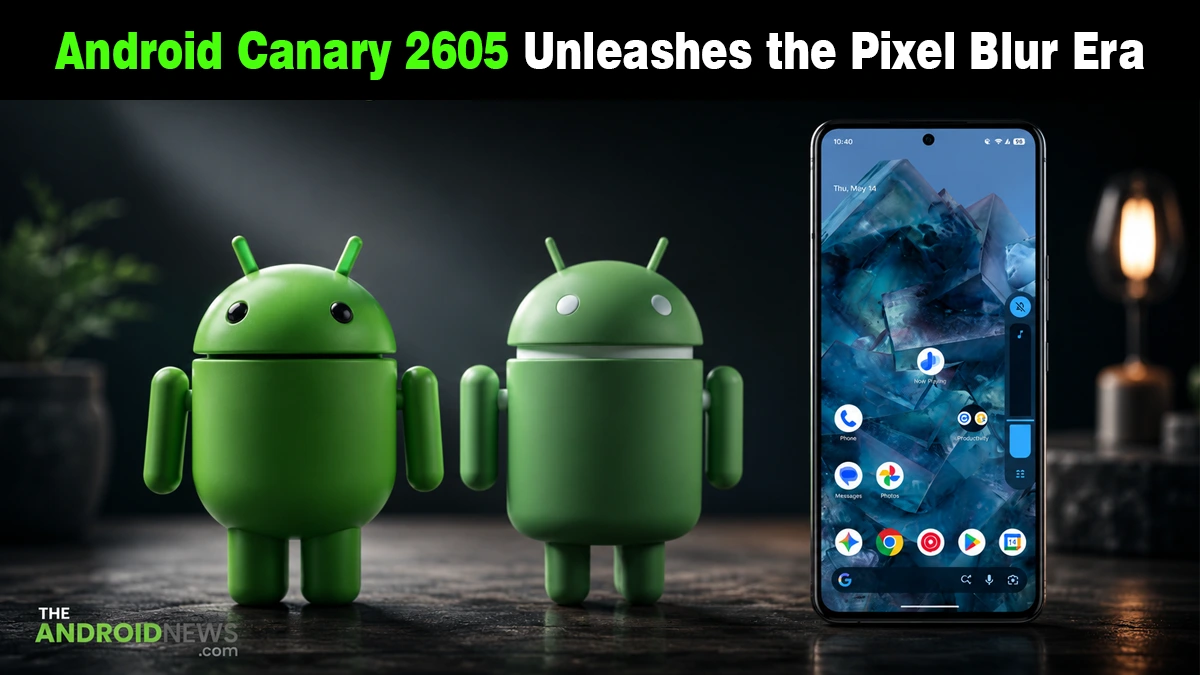
The blur lands across the notification shade, Quick Settings panel, app switcher, and lock screen overlay, giving the entire system UI a frosted, translucent quality where previously you saw flat, opaque surfaces.
It is a look with obvious parallels to Apple’s iOS liquid glass aesthetic announced at WWDC last week, though Google has been working on blur effects inside Android 17 builds for several weeks.
The Canary 2605 blur is a deeper, more widespread application than what earlier Android 17 QPR1 builds introduced, and the timing, right before I/O, is hard to read as coincidental.
Redesigned Date Settings and Home Screen Search Bar
The Canary 2605 also introduces the redesigned Date & Time settings page, first seen in Android 17 QPR1 Beta 2, a cleaner, more spacious layout replacing the older settings screen. The same translucent blur effect carries through, aligning it with the broader UI shift.
Android Authority also spotted a new Search bar settings page in Canary 2605 for the option to hide the Google Search bar from the Pixel home screen. The toggle has not yet surfaced in this build, but the presence of a dedicated page confirms the feature is in active development.
That detail matters. A feature getting its own dedicated settings page, even without the toggle enabled, signals it is past the experimental flag stage and is being prepared for proper user-facing rollout.
Whether it ships in the Canary track first or arrives through the QPR1 stable update is still unclear.
What Is Changing About Android’s Visual Direction
The blur push in Canary 2605 is not an isolated tweak; it connects directly to the broader design language Google has been developing throughout the Android 16 beta cycle and into Android 17.
Material 3 Expressive, announced ahead of I/O, introduced more dynamic, tactile motion across Android apps. The blur layer in Canary 2605 extends that idea into the system UI itself, with surfaces that feel layered, responsive, and depth-aware rather than flat panels.
To test Canary 2605, Pixel owners can flash the appropriate image for their device using Google’s Android Flash Tool at flash.android.com, with the important caveat that flashing wipes all existing data on the device.
Source: Android Canary 2605 is out now!