Complete Guide to Android Automotive OS: The Android Car Operating System Explained
Tired of slow and outdated car infotainment systems?
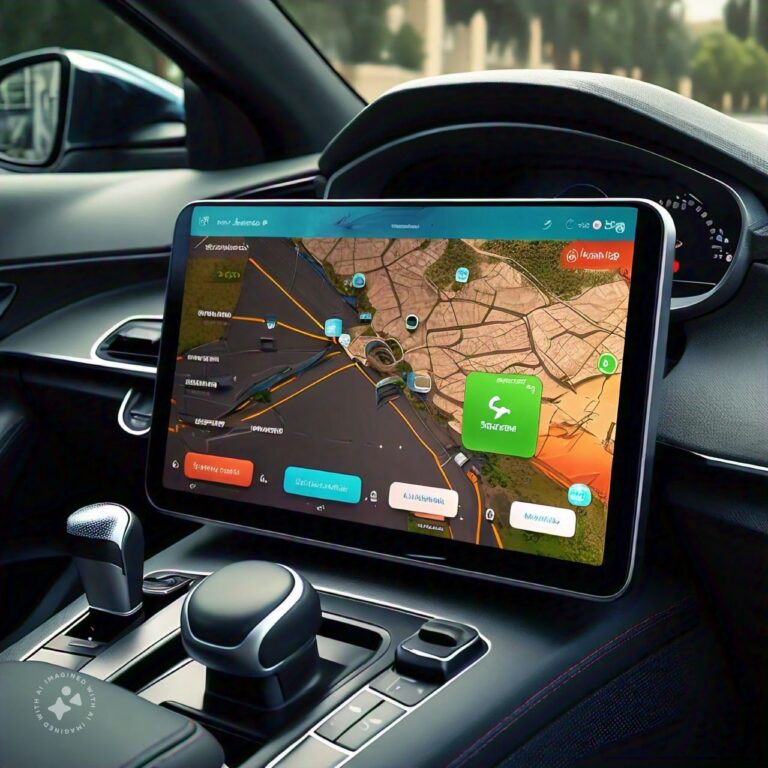
Android Automotive OS is changing how drivers interact with modern vehicles. Developed by Google and built on the Android Open Source Project, Android Automotive OS runs directly inside the car instead of relying on a smartphone.
It powers navigation, media, voice controls, vehicle settings, and EV features through a centralized in-car system.
This guide explains how Android Automotive OS works, how it differs from Android Auto, its key features, advantages, limitations, supported car brands, and future role in connected vehicles.
Key Takeaways
Table of Contents
What is Android Automotive OS?
Android Automotive OS is a built-in vehicle operating system developed by Google and based on the Android Open Source Project. It runs directly on a car’s infotainment hardware without requiring a connected smartphone.
The system powers in-car functions such as navigation, media, climate controls, driver profiles, vehicle settings, EV battery monitoring, and charging information. Automakers can customize the interface and features based on their vehicle ecosystem.
Android Automotive OS is not the same as Android Auto. Android Auto is a smartphone projection system. Android Automotive OS is built into the car.
Android Automotive OS vs Android Auto
Many users confuse Android Automotive OS with Android Auto because both are connected to Google and in-car technology. The difference is simple: Android Auto runs from your phone, while Android Automotive OS runs inside the car.
| Feature | Android Automotive OS | Android Auto |
|---|---|---|
| System type | Embedded vehicle operating system | Smartphone projection platform |
| Requires phone | No | Yes |
| Runs on | Vehicle hardware | Android smartphone |
| App source | Built-in app ecosystem / vehicle Play Store if available | Phone apps projected to car screen |
| Vehicle control | Can integrate with car functions, depending on OEM | Limited vehicle control |
| Google Maps support | Built-in if Google Automotive Services is included | Runs from phone |
| Updates | Vehicle system OTA and app updates | Phone app and system updates |
| Manufacturer customization | High | Limited |
| Example use | Native infotainment system in a car | Phone-based navigation and media on car display |
Key Features of Android car operating system
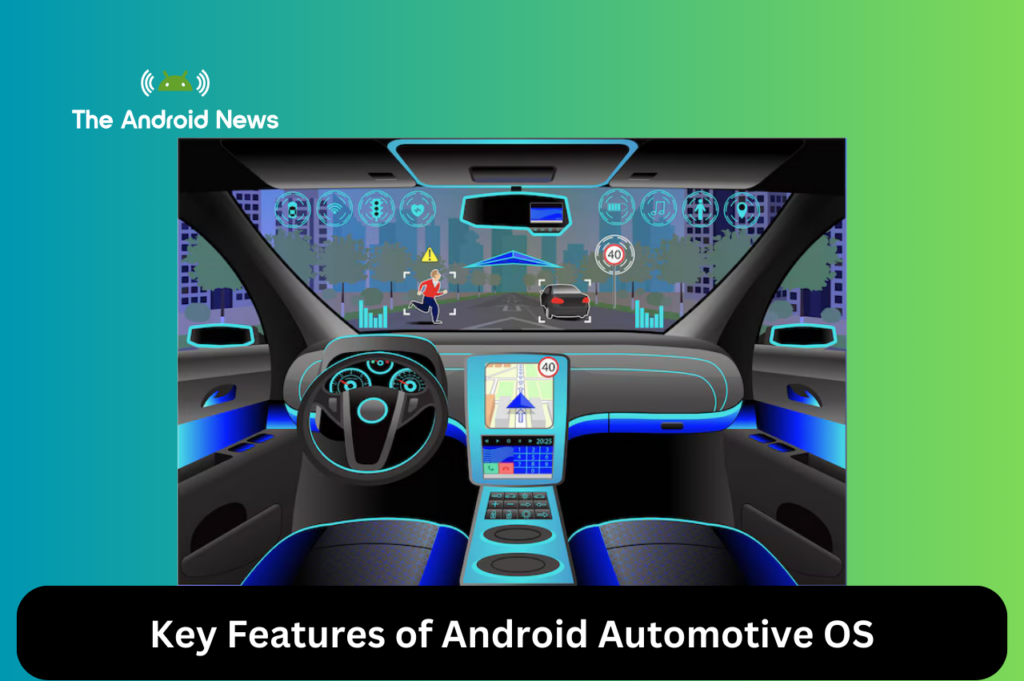
Android Automotive OS includes features for drivers, passengers, automakers, and developers. Its value comes from combining Android’s app ecosystem with vehicle-specific integration and safety requirements.
Standalone System
Vehicle Hardware Integration
Enhanced Safety
Customizable User Interface
System Architecture of Android Automotive OS
The architecture of Android Automotive OS connects standard Android software with automotive-specific hardware, vehicle networks, and safety-controlled interfaces. This layered design allows apps and services to interact with vehicle data in a controlled way.
Four Key Layers
- Vehicle ECUs: Control vehicle-specific functions, including lights, engine, and climate.
- Vehicle HAL (VHAL): Acts as a bridge between Android and the vehicle’s systems, providing access to hardware-level data.
- Car Service Layer: Provides system APIs that deliver vehicle data to applications.
- Applications Layer: User-facing apps that interact with the system, such as navigation, media players, and climate control.
Key Components
Android car operating system Development and Customization
Android Automotive OS gives automakers and developers a flexible platform for creating connected-car experiences. However, development for vehicles has stricter requirements than development for phones because driver safety, cybersecurity, and regulatory compliance are critical.
For Automotive Manufacturers
For Developers
Advantages of Android Automotive OS
Android Automotive OS offers benefits for users, automakers, and developers. Its main strength is that it brings a familiar Android-based software environment into the vehicle while allowing deep integration with car systems.
Cost Efficiency
Google Ecosystem Integration
Enhanced User Experience
Android car operating system Challenges
Android Automotive OS has strong potential, but it also faces technical, business, regulatory, and privacy challenges. These limitations are important for users and automakers to understand.
App Availability
Hardware Constraints
Regulatory Compliance
Real-World Examples and Automaker Adoption
Android Automotive OS is already used by several automakers, although features and Google service availability vary by market and model. Adoption is expected to grow as vehicles become more software-defined.
Examples of brands and vehicles associated with Android Automotive OS or Google built-in services include:
- Polestar models such as Polestar 2
- Volvo models such as XC40 Recharge and EX90
- Renault and selected European models
- Honda and Acura models in selected markets
- General Motors vehicles with Google built-in on selected models
- Ford and Lincoln vehicles using Google-based connected services in selected implementations
It is important to verify the exact model and market because Android Automotive OS availability differs by country, trim level, model year, and manufacturer strategy.
The Future Outlook for Android Automotive OS
Broader Adoption
Improved App Ecosystem
Smart Home and EV Enhancements
Quick Setup Guide for Users
Initial Configuration
- Access the Play Store from the car’s head unit.
- Pair your Google account for full functionality or use core features without logging in.
- Choose between using Bluetooth for calls and texts or tethering your phone for data.
Smartphone Connectivity
Voice Control
Updates
People Also Ask About Android Automotive OS
Does Android Automotive OS require a smartphone?
No. It can operate independently without a smartphone. However, pairing a phone can enable calls, messages, Bluetooth audio, and other connected features.
Does every Android Automotive OS car include Google Maps?
No. Google Maps is included only if the automaker licenses Google Automotive Services. Some vehicles may use other navigation systems.
Can Android Automotive OS control car functions?
Yes, depending on the automaker’s implementation. It may control or display climate, battery status, charging, drive modes, and other vehicle settings.
Can older cars get Android Automotive OS?
Usually no. Android Automotive OS must be deeply integrated with vehicle hardware. It is typically installed by the manufacturer during vehicle production.
Is Android Automotive OS open source?
The base platform is built on the Android Open Source Project. However, Google apps and services such as Google Maps, Assistant, and Play Store are part of Google Automotive Services and require licensing.
Final Words on Android Automotive OS
Android Automotive OS is expanding the role of in-car software by offering a built-in platform for navigation, media, vehicle controls, and connected services. As more automakers adopt the system, its app ecosystem and smart vehicle capabilities continue to grow.
With native integration of Google Maps, Google Assistant, and the Google Play Store, Android Automotive OS provides a more connected and centralized driving experience. Its support for over-the-air updates and scalable features also positions it as a key platform for future smart vehicles.