Android 16 VPN Bug Leaves Users Exposed as Google Remains Silent
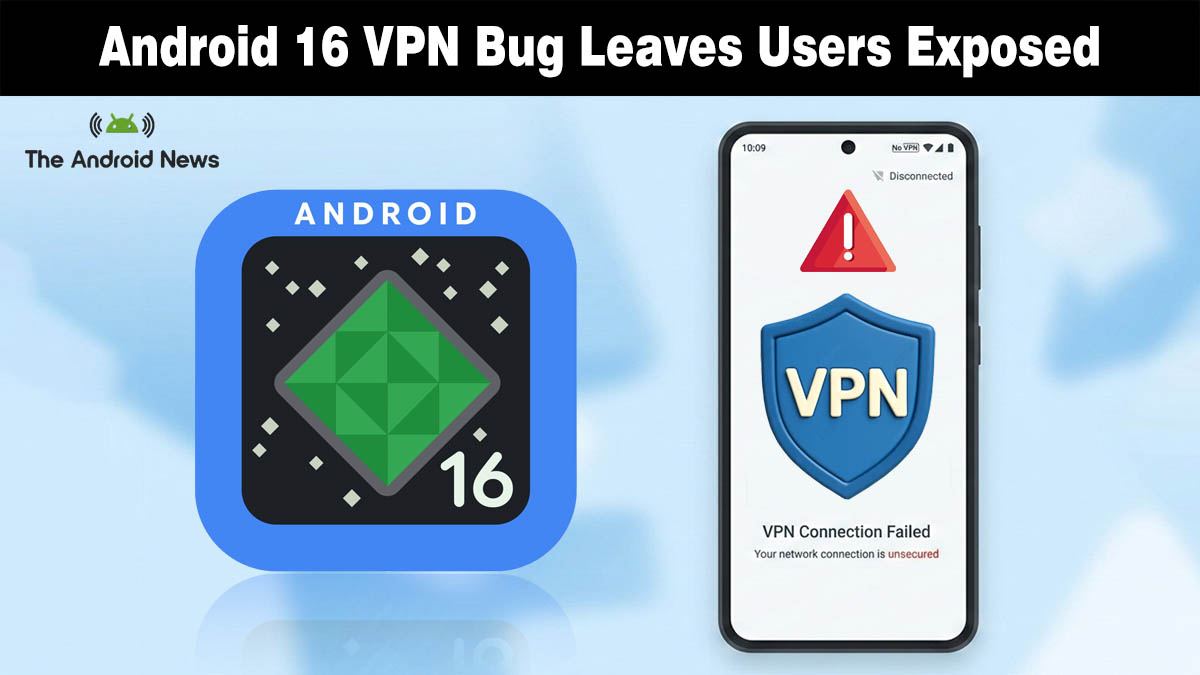
Multiple major VPN providers are warning about a persistent bug in Android 16 that can silently break VPN connections, potentially leaving users without a private tunnel and no clear indication of failure.
The issue, affecting devices for months, remains unresolved and unpatched by Google. According to a report by Android Authority, the problem has been flagged by several VPN developers and continues in recent builds.
Services including Proton VPN, Mullvad, WireGuard, and TunnelBear say the bug is triggered when a VPN app updates via the Google Play Store while active, causing apps to fail reconnecting and leaving users disconnected or without internet unless they reboot or reinstall.
How the Bug Affects VPN Connections
The problem appears rooted in Android 16’s network stack. When a VPN app receives an update while active, something that happens routinely on Android, the system can enter an error state where:
- The VPN app cannot connect to the internet, even though it shows as “active.”
- Users may see no error message or notification explaining why the VPN stopped functioning.
- Some users report devices getting stuck in a perpetual “connecting” or non-functioning state.
Proton VPN highlighted the issue on its official X account, noting that they initially reported the bug to Google as early as September 2025, with other providers flagging similar behavior around the same time
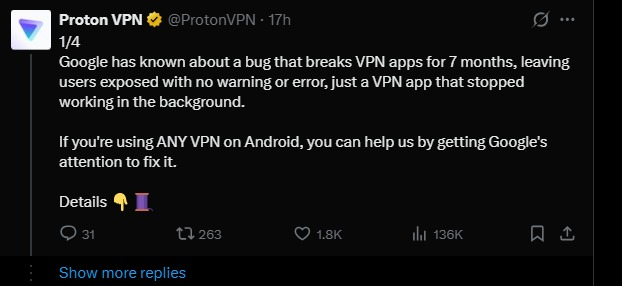
The post warns that the bug can silently stop VPN apps in the background, leaving users exposed without any alert. It’s been around seven months, but no clear timeline has been provided by Google yet.
Google’s Response So Far
While developers behind some of the affected VPN services have filed bug reports on Google’s official Issue Tracker, Google has neither provided a clear fix nor committed to a timeline for resolving the issue.
Some community posts and reports suggest that the bug persists even in recent builds of Android 16 on devices from various manufacturers, including Samsung Galaxy phones.
The lack of a formal fix means VPN providers and many users are left with only workarounds:
- Reboot the device after a VPN update to reset network connectivity.
- Reinstall the VPN app from the Play Store.
- Avoid updating VPN apps while they are active, if possible.
Neither method is ideal; both interrupt connectivity and reduce the reliability of VPN service for users who depend on them for privacy or secure connections on public networks.
Why This Matters for Android Users
VPNs are widely used on Android devices for privacy, security, and censorship circumvention, especially on public Wi-Fi networks, in regions with restricted internet access, and among users who require encrypted traffic by default.
A bug that renders VPN apps non-functional without a clear indication not only degrades user trust but can leave sensitive traffic exposed over unprotected connections.
For many users, the issue is subtle: apps may appear connected even when they are not, giving a false sense of security. Reporting from PCMag also highlights that the bug has persisted across multiple updates without a confirmed fix, raising broader concerns about reliability in Android’s network handling.
What Users Can Do Now
- Check VPN connection status after updates.
- Force-stop and restart VPN apps after an update.
- Manually reboot devices if connectivity fails.
- Consider using VPN apps that notify users when connectivity drops.
As the situation evolves and Google responds with an official fix or guidance, Android news sites and VPN providers are likely to offer regular updates.
Source: VPN users need to know about this bug affecting Android