Google Just Made Wireless Emergency Alerts Smarter, Your Phone Now Shows a Map
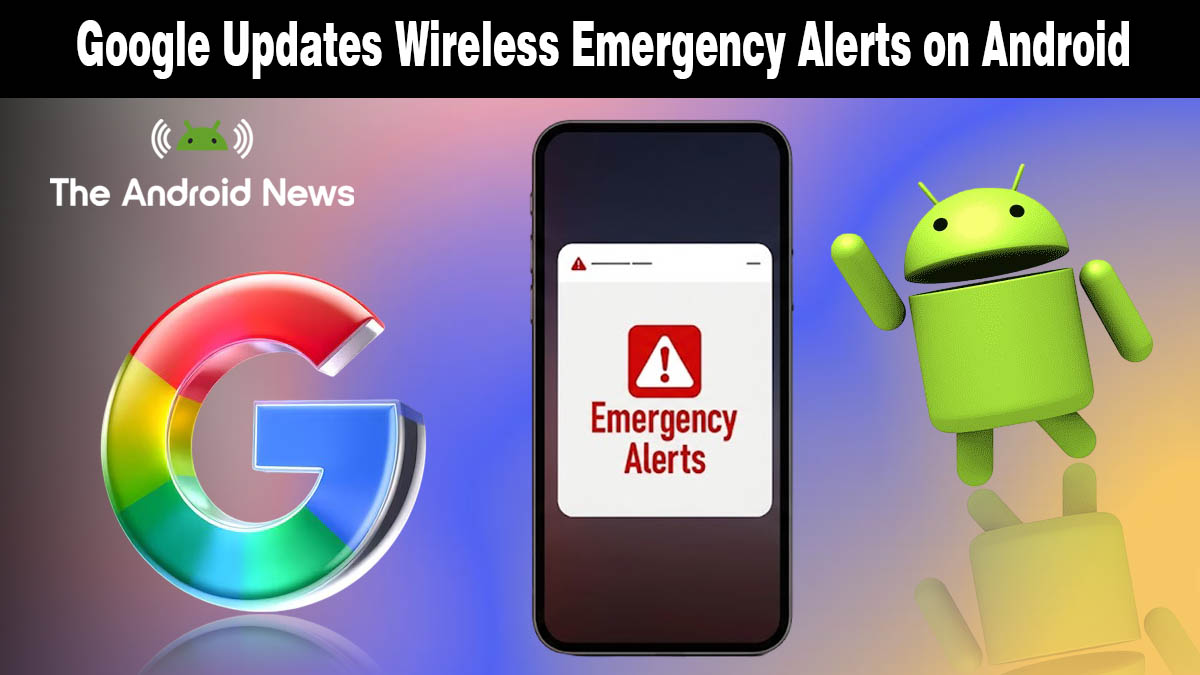
Wireless Emergency Alerts have been text-only since the day they launched, a wall of capital letters telling you danger is nearby with no visual context whatsoever. Google just changed that.
A brand new map view is rolling out to Android devices right now, and it is one of those upgrades that makes you wonder why it took this long in the first place.
What Is Google Changing About Emergency Alerts?
According to Android Authority, Google Play Services v26.12 now adds a map view directly inside Wireless Emergency Alert notifications, letting you see the affected area and your exact location relative to the danger zone without opening a separate app.
This is what the updated alert experience now includes:
- Visual map inside the notification: the affected zone is highlighted the moment the alert arrives
- Your live location pinned on the map: you can instantly see whether you are inside or outside the danger area
- Clear boundary lines: The exact edges of the affected region are drawn so there is no guesswork
- No app switching needed: Everything appears directly within the alert itself
- Works across all alert types: Severe weather, AMBER alerts, imminent threats, and earthquake warnings all benefit from the new view
Until now, Wireless Emergency Alerts were text-only, leaving users unclear about the exact location or scope of an emergency, making it harder to decide quickly whether to evacuate or shelter in place. That problem is now solved.
Why This Upgrade Actually Matters for Your Safety
Seconds matter during an emergency. The old text-only format forced you to read a county name, mentally picture a map, and then make a decision, often while panicked. The new map view removes that entire mental step.
If a tornado warning covers part of your county, you will now see instantly whether your street sits inside or outside the alert boundary. If a flash flood warning is issued, you will know immediately whether your route home runs through the affected zone. That clarity can be the difference between a smart decision and a dangerous one.
According to Droid Life, Google did not provide a preview screenshot of what the new map looks like in a live alert; the feature will only become fully visible the next time a real emergency alert is triggered in your area.
The update is being pushed silently through Google Play Services, which means no manual download or system update is required on your end. Much like other Android OS updates, this rolls out gradually and may take a few days to reach every device.
Which Devices Get It and When?
Since this improvement is delivered through Google Play Services v26.12 rather than a full Android system update, every Android device running Google Play Services is eligible, regardless of manufacturer or Android version. The rollout is gradual, so if you have not seen it yet on your Android phone, it is already on its way.
There is nothing to turn on or configure. The map view activates automatically the next time an emergency alert reaches your device.
A Small Update With Real-World Consequences
Google did not hold a press conference for this one. It slipped into a Play Services changelog quietly. But for anyone caught in a severe weather event, a wildfire boundary, or an AMBER alert zone, this map view could be the most useful thing Google has shipped all year.
Sometimes the best upgrades are the ones that just work, right when you need them most.
Source: Google’s emergency alerts just got a huge upgrade that could save lives