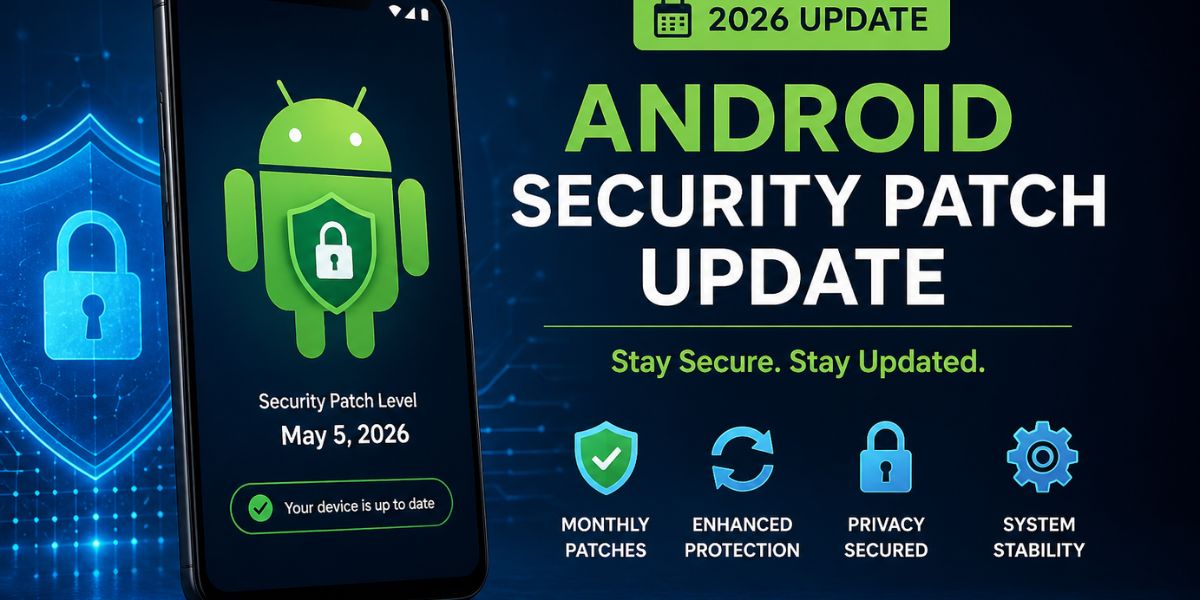
Android Security Patch Update: Monthly Tracker (2026 Guide)
The Android security patch update system helps protect Android devices from new security threats every month. Google releases updates that fix bugs, close security gaps, and improve system safety. These updates are important because hackers constantly look for new ways to attack devices.
In 2026, Android updates have become more organized with better timing and improved transparency. Google now focuses on stable releases through AOSP changes, making updates more reliable.
Users who regularly install these updates keep their data safe and devices running smoothly. Understanding how Android security patches work helps users stay secure and avoid risks in daily mobile usage.
What Are Android Security Patches?
Android security patches are small updates designed to fix security problems in the Android system. These issues can allow hackers to access data, install harmful apps, or damage the device. Google finds these problems through research and reports from developers. Each patch focuses on fixing known vulnerabilities without changing the full system.
These updates are released monthly, so devices stay protected. Security patches are different from major Android updates because they are faster and smaller. By installing them regularly, users reduce the chances of cyberattacks. These patches are an essential part of keeping Android devices safe and reliable for everyday use.
Why Monthly Security Updates Matter
Monthly security updates are important because digital threats are constantly changing. Hackers develop new methods to break into devices, so regular updates help block these risks. Without updates, devices become easy targets for attacks. These patches improve privacy, protect personal data, and fix system weaknesses. In 2026, mobile security is more critical due to advanced malware and AI-based threats.
Regular updates ensure apps run safely and systems remain stable. They also build user trust in Android devices. Keeping your device updated is one of the easiest ways to stay protected and avoid serious problems like data theft or system damage.
How the Android Security Bulletin Works
The Android Security Bulletin is a monthly report released by Google. It explains all the security issues found and fixed in that update. Each issue is listed with a severity level such as critical, high, or moderate. The bulletin also includes CVE numbers, which help track vulnerabilities globally.
There are usually two patch levels: one for core system fixes and another for deeper hardware-related fixes. This helps manufacturers choose updates based on device compatibility. The bulletin gives transparency and helps developers understand security risks. It is an important tool that supports the entire Android ecosystem and keeps users informed.
Sources of Security Fixes
Android security fixes come from multiple trusted sources. The main source is the Android Open Source Project, where developers work on improving system security. Another important source is the Linux kernel, which provides core system updates. Chipset manufacturers also provide fixes for hardware-related issues.
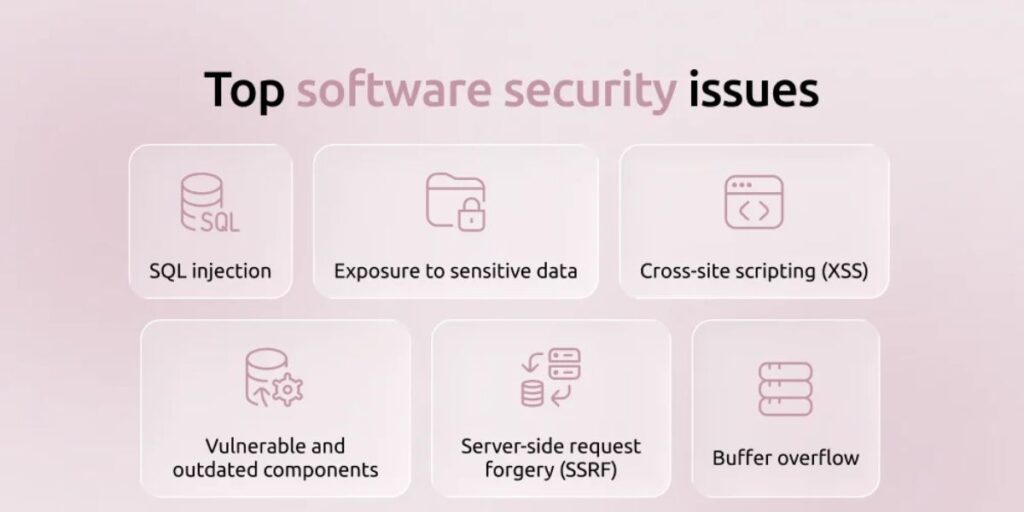
These companies ensure processors and components are secure. Google collects all these fixes and combines them into monthly updates. This teamwork helps cover all areas of the system. By using multiple sources, Android ensures strong protection against different types of threats. This process makes security patches more effective and reliable for users worldwide.
Major Changes to AOSP in 2026
In 2026, Google made important changes to how Android updates are managed. Instead of continuous updates, source code is now released twice a year in Q2 and Q4. This new system improves stability and reduces errors. Developers are encouraged to use the android-latest-release branch instead of aosp-main.
This ensures they work with the most stable version of Android. These changes help create better apps and smoother updates. It also improves coordination between Google and device manufacturers.
Monthly Android Security Patch Timeline
The Android security update process follows a regular monthly schedule. At the start of each month, Google releases the security bulletin. Soon after, the fixes are added to AOSP for manufacturers. Device makers then test and adapt these updates for their devices. After testing, updates are sent to users through over-the-air updates.
Some devices receive updates quickly, while others take more time. This depends on the manufacturer and device type. The timeline ensures that security fixes reach users regularly. Even though delays can happen, the system is designed to deliver updates as efficiently as possible across the Android ecosystem.
Role of Device Manufacturers
Device manufacturers play a key role in delivering Android security updates. After Google releases patches, companies like Samsung, Xiaomi, and others modify them for their devices. They must test updates to ensure they work correctly with their custom software.
This process can take time, especially for older devices. Manufacturers also decide how long they will support each device. In 2026, many brands have improved their update speed and support duration. Their role is important because users depend on them for timely updates. Without proper testing and delivery, security patches would not reach devices effectively.
Popular Brands and Their Update Policies
Different Android brands follow different update policies. Some companies provide fast and regular updates, while others may be slower. In 2026, premium brands offer longer support periods, sometimes up to five years. Devices from certain companies receive updates quickly after Google releases them. Budget devices may have shorter support cycles.
These policies affect how secure a device remains over time. Users should consider updating support before buying a device. Choosing a brand with strong update policies ensures better long-term security. As competition increases, more companies are improving their update systems to meet user expectations.
Types of Vulnerabilities Fixed
Android security updates fix different types of vulnerabilities. One common issue is remote code execution, which allows attackers to control a device. Another is privilege escalation, where hackers gain higher access rights. Information disclosure bugs can expose personal data. Denial of service attacks can crash or freeze devices.
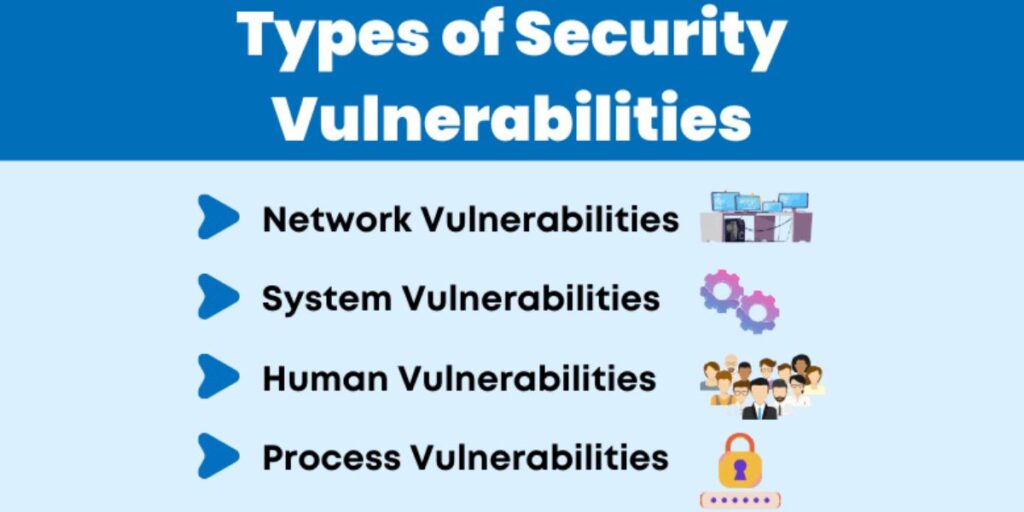
Each monthly update addresses several of these problems. Fixing these vulnerabilities helps keep devices safe from various threats. Google prioritizes the most serious issues to protect users quickly. Understanding these vulnerabilities shows why regular updates are important. Each patch plays a role in improving overall system security.
Android Security Patch Levels Explained
Android devices show a security patch level in settings, which tells users how up-to-date their device is. The patch level usually includes a date, such as January 1 or January 5. The later date includes more fixes and deeper system updates.
These levels help users understand the level of protection on their device. Manufacturers may choose which level to include based on compatibility. Keeping the latest patch level ensures better security. Users should regularly check this information to stay informed. It is a simple way to confirm whether a device is protected against the latest threats.
How to Check Your Android Security Patch
Checking your Android security patch level is easy and important. Open the Settings app on your device. Then go to the About Phone section. Look for Android Version or Software Information. Here you will find the security patch level displayed as a date. This shows when your device last received a security update.
If the date is old, your device may not be fully protected. Checking this regularly helps you stay aware of your device’s security status. It is a simple habit that can improve your overall safety while using your Android phone.
How to Update Your Android Device
Updating your Android device is simple and keeps your data safe. Open the Settings app and go to Software Update. Tap on Download and Install to check for updates. If an update is available, follow the instructions to install it.
Make sure your device is connected to Wi-Fi and has enough battery. Updates may take a few minutes to complete. After installation, your device will restart. Regularly checking for updates ensures you do not miss important security fixes. Keeping your device updated is one of the best ways to protect against threats and maintain smooth performance.
Challenges in Android Security Updates
There are several challenges in delivering Android security updates. One major issue is fragmentation, where many devices run different Android versions. This makes updates harder to manage. Another problem is delayed rollouts, especially for budget devices. Hardware limitations can also prevent older devices from receiving updates. Some updates are delayed by carriers before reaching users.
These challenges affect how quickly patches are delivered. In 2026, improvements have reduced delays, but some issues still exist. Understanding these challenges helps users know why updates may not arrive immediately and why choosing a reliable brand is important.
Improvements in 2026
Android security updates have improved significantly in 2026. Google introduced a more stable release system with updates to AOSP. The use of android-latest-release ensures developers work with stable code.
Manufacturers are now faster at delivering updates, especially for new devices. Transparency in security bulletins has also improved. Users now receive clearer information about vulnerabilities and fixes. Longer support periods are becoming more common. These improvements make Android devices safer and more reliable. The update process is now better organized, helping users receive patches more efficiently.
Impact of AI on Android Security
Artificial intelligence is changing Android security in many ways. Hackers use AI to create smarter attacks and malware. An AI app helps improve defense systems. Android now uses AI to detect threats in real time and analyze unusual behavior. This helps stop attacks before they cause damage.
AI also helps identify new vulnerabilities faster. In 2026, security patches are designed to handle AI-related risks. This balance between threats and protection makes updates more important than ever. AI is becoming a key part of how Android keeps devices secure.
Enterprise and Business Security
Android devices are widely used in businesses, making security updates very important. Companies rely on these updates to protect sensitive data and prevent cyberattacks. Monthly patches help maintain compliance with security standards. Businesses often use management tools to control updates across multiple devices.
In 2026, enterprise security features will be more advanced and integrated with Android updates. This makes it easier to manage large device networks. Regular updates reduce the risk of data breaches and system failures.
User Best Practices for Security
Users play an important role in maintaining Android security. Installing updates as soon as they are available is the first step. Avoid downloading apps from unknown sources. Use strong passwords and enable biometric security features. Keep all apps updated regularly. Be careful with links and messages from unknown senders.
Using antivirus apps can also add extra protection. In 2026, user awareness is just as important as system updates. By following simple habits, users can reduce risks and stay safe. Security is a shared responsibility between the system and the user.
Future of Android Security Patch Updates
The future of Android security updates looks promising. Updates will become faster and more efficient. Google is working on modular updates that can be delivered through the Play Store. This reduces delays and improves speed.
AI will continue to play a major role in detecting threats. Devices may receive longer support periods in the future. Automation will help identify and fix vulnerabilities quickly. In 2026, these advancements are already taking shape. The goal is to create a safer and more reliable Android ecosystem. Continuous improvements will help protect users from future threats.
Final Words
The Android security patch update system is essential for keeping devices safe in 2026. Monthly updates fix vulnerabilities, improve system performance, and protect user data. With new AOSP changes and better update processes, Android security has become more reliable. However, users must stay active by installing updates on time.
Manufacturers also play a key role in delivering patches quickly. As threats continue to grow, these updates remain a strong defense. By understanding and following the update system, users can enjoy a safer mobile experience. Regular updates are the foundation of long-term Android security and device protection.
Android Security Patch Update FAQs
How often are Android security patches released?
Android security patches are released every month by Google. They usually arrive at the beginning of each month for supported devices.
Why are updates sometimes delayed?
Updates can be delayed due to testing, device compatibility, or manufacturer customization. Carrier approvals can also slow down the rollout process.