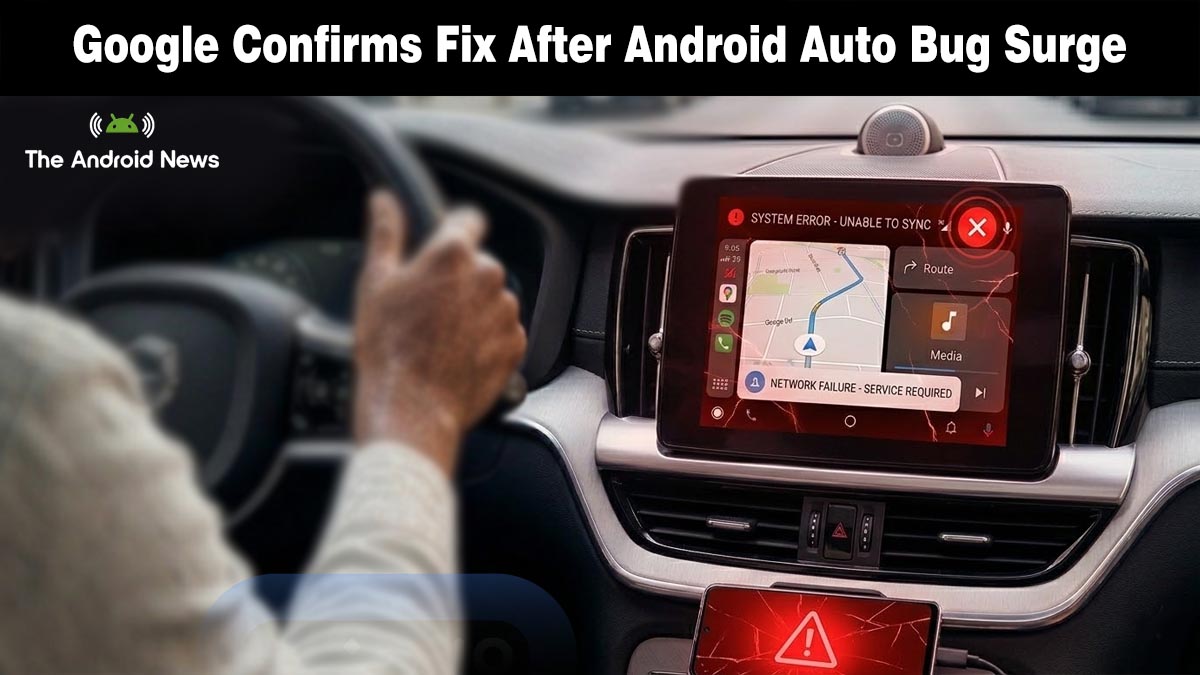
Google To Release Emergency Fix for Android Auto March Update Connection Bugs
The Android Auto march update that millions of users were waiting for has turned into a nightmare.
After the March 2026 security patch rolled out across Pixel and Samsung Galaxy devices, complaints about broken connections, random restarts, and black screens flooded Google’s forums overnight. Now Google has finally broken its silence, and it took Android Authority reaching out directly to get a response.
What Went Wrong After the March Update?
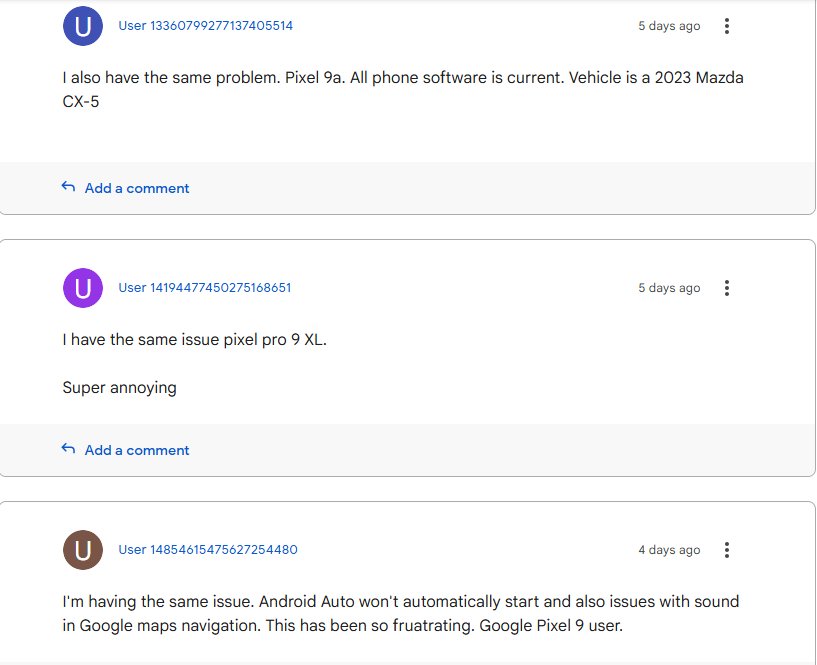
The trouble started almost immediately after the patch landed. According to AutoEvolution, users began reporting a wide range of Android Auto failures, from black screens to complete input breakdowns, with the March 2026 security update appearing as the common trigger across every affected device.
Here is what users are reporting across Google’s support forums:
- Wired connections are dropping repeatedly mid-drive with no warning
- Black screen on the car display when Android Auto tries to launch
- Rotary input is completely broken on non-touchscreen head units
- Random app restarts interrupt navigation and music playback
- Constant reconnection loops even on previously stable paired devices
The update is breaking Android Auto specifically for Galaxy S26 and Pixel owners on wired connections, while wireless users appear to remain largely unaffected.
Google Finally Responds After Android Authority Reached Out
Google remained silent for days amid rising complaints. Ghacks reports that only after Android Authority reached out did Google confirm awareness, stating fixes are rolling out, without explaining the cause or providing a timeline.
The leading theory among users points to Advanced Protection Mode, a security feature introduced in recent updates that restricts USB data access when a phone is locked.
Several Pixel users reported that disabling it restored their wired Android Auto connection immediately, though Google has not officially confirmed this as the root cause.
What Should the User Do Now?
Until the fix reaches your device, here is what you can try right now:
- Switch to a wireless connection if your car supports it
- Clear Android Auto cache and data in your phone settings
- Manually update to Android Auto 16.3 from the Play Store
- Temporarily disable Advanced Protection Mode on wired connections
If you rely on Android Auto daily, the Android Auto apps on your phone’s native interface can serve as a temporary alternative while the fix rolls out.
When Is the Full Fix Coming?
This is not the first time a security update has disrupted Android Auto in 2026. A February patch previously broke voice functionality for a separate group of users, a pattern that raises real questions about Google’s testing process.
Google’s confirmation that a fix is in progress is welcome, but for drivers who have gone days without working in-car navigation, it is not enough. The fix needs to arrive fast, while quietly hoping users do not notice, is no longer a strategy that works.