10 Best Free Productivity Apps for Android in 2026 to Boost Your Efficiency
Staying productive is not always easy when tasks, meetings, and messages keep piling up throughout the day. I often rely on productivity android apps to organize my work, manage tasks, track time, and simplify daily workflows.
In this guide, I share some of the most useful productivity apps that help me stay organized and efficient. From task management and team collaboration to automation and time tracking, these tools can make everyday work much easier to handle.
Key Takeaways
- Task Management: Apps like Todoist, TickTick, and Things 3 are perfect for organizing tasks, setting priorities, and managing deadlines.
- Team Collaboration: Slack, Microsoft Teams, and ClickUp offer seamless communication and project management tools for effective teamwork.
- Time Tracking: Toggl Track and RescueTime help users monitor how they spend their time and identify productivity bottlenecks.
- Automation: Tools like IFTTT and Airtable save time by automating repetitive tasks and optimizing workflows.
- Note-Taking: Microsoft OneNote, Evernote, and Obsidian provide advanced features for capturing and organizing information.
- Project Management: Basecamp and Zoho Projects are ideal for managing larger, complex projects with team collaboration.
Table of Contents
Task Management and Organization Productivity Apps
Good task management tools enable users to track what they need to do. This applies to personal projects and team operations. These apps focus on organizing tasks, setting priorities, and maintaining an efficient workflow.
TickTick
TickTick is a flexible task management app. It combines a to-do list with useful features like time tracking and habit building. It allows users to create tasks, set deadlines, prioritize activities, and track habits all within a simple interface.
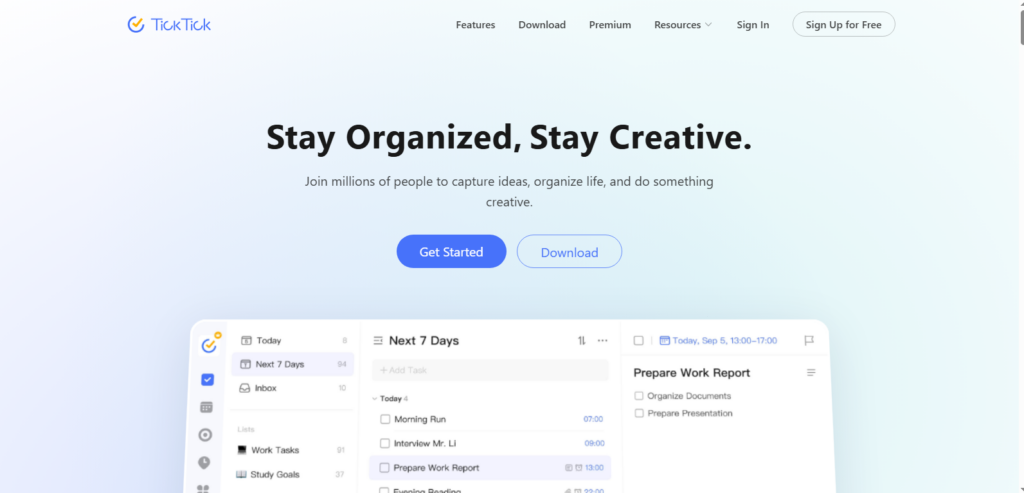
The app helps with personal productivity and team collaboration. This makes it a great choice for many users.
| Pros of TikTik | Cons of Tiktik |
|---|---|
| Combines task management, habit tracking, and time tracking in one app | Some advanced features require a premium subscription |
| Simple and intuitive interface that is easy to navigate | Collaboration features are more limited compared to dedicated project tools |
| Allows task prioritization, reminders, and deadlines | The number of features can feel overwhelming for new users |
| Supports cross-platform use (mobile, desktop, web) | Free version has limited customization options |
| Includes habit tracking to support daily routines | Integration options are fewer than some competing apps |
Google Tasks
Google Tasks is a simple and straightforward task management tool integrated into Google Workspace. Users can create tasks, add subtasks, and set due dates.
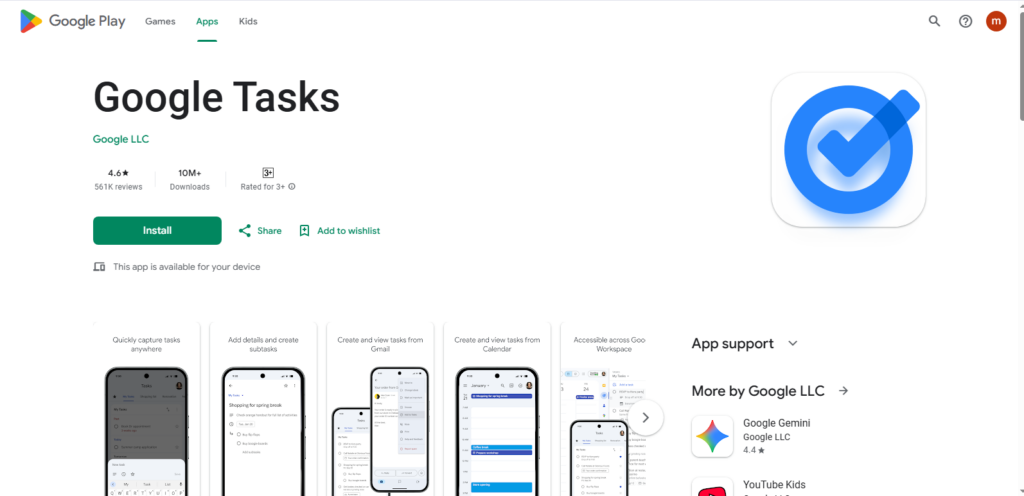
A lightweight app great for anyone using Gmail or Google Calendar exists. It allows easy integration with tools you already use.
| What Makes Google Tasks Useful | Where Google Tasks Falls Short |
|---|---|
| Integrates seamlessly with Gmail and Google Calendar for easy task access | Lacks advanced task management features found in dedicated productivity apps |
| Clean and minimal interface makes task creation quick and simple | No built-in time tracking, habit tracking, or productivity analytics |
| Supports subtasks and due dates for basic organization | Limited collaboration features for team-based work |
| Works smoothly across devices within the Google ecosystem | Few customization and workflow options |
| Completely free for Google Workspace users | Not suitable for managing complex or large-scale projects |
Things 3
Things 3 is known for its minimalist design and functionality. A well-loved app among users who prefer a distraction-free environment to manage their tasks exists.
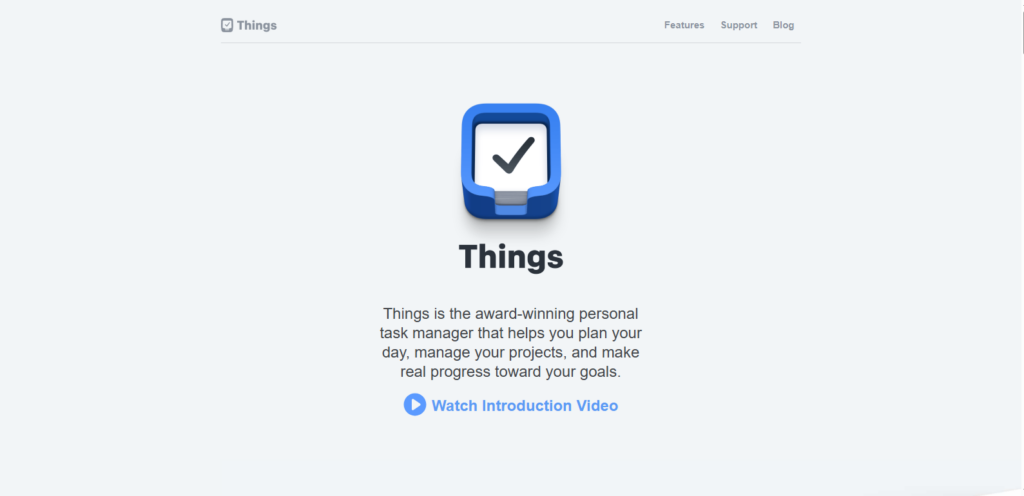
It helps users organize their to-do lists with features such as deadlines, tags, and reminders. Particularly effective for personal task management.
| What Users Appreciate About Things 3 | Where Things 3 Has Limitations |
|---|---|
| Minimalist and distraction-free design makes task management simple and focused | Available only on Apple devices, which limits cross-platform use |
| Useful features like deadlines, tags, and reminders help organize personal tasks | Primarily designed for personal productivity rather than team collaboration |
| Smooth and well-designed interface improves the overall user experience | Paid app with no free version available |
HabitNow: Daily Routine Planner
HabitNow helps users form and track habits by organizing tasks into daily routines. This app is helpful for anyone wanting to build good habits.
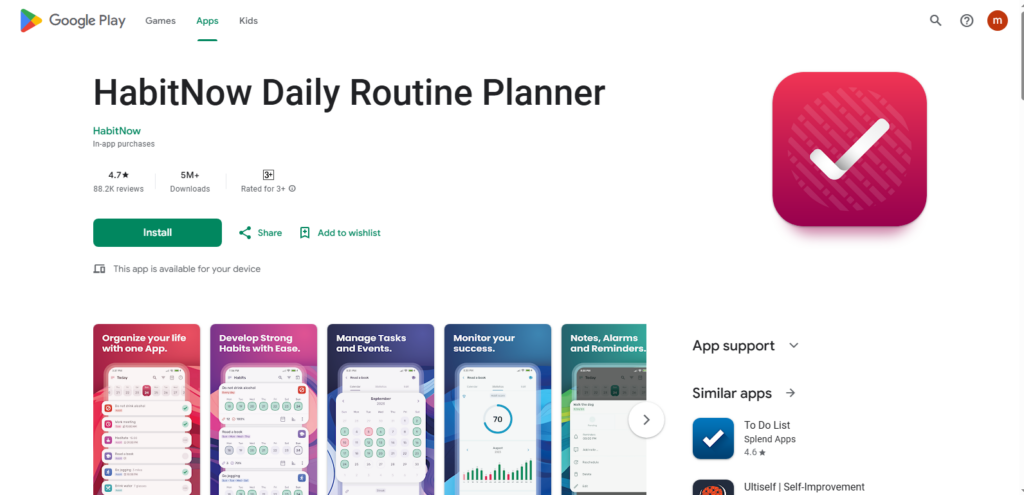
It works for fitness, productivity, and self-care. With an easy-to-use interface, HabitNow allows users to set reminders and review their progress over time.
| What Makes HabitNow Helpful | Where HabitNow Has Limitations |
|---|---|
| Designed specifically for habit building and daily routine tracking | Focuses mainly on habits rather than full task or project management |
| Simple interface with reminders and progress tracking keeps users motivated | Limited collaboration or team productivity features |
| Useful for fitness, productivity, and self-care routines | Some advanced features require the premium version |
Streaks
Streaks is a goal-tracking app designed to help users form good habits and break bad ones. Users can set daily tasks, and the app tracks how long they’ve maintained their “streaks” of completing the activities.
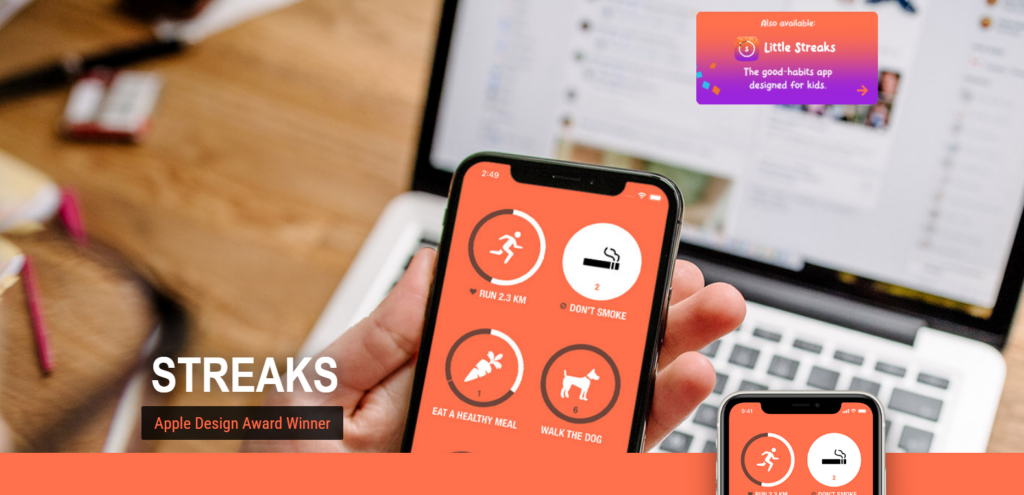
This app is perfect for those who need visual motivation to stick to their routines.
| What Makes Streaks Motivating | Where Streaks Has Limitations |
|---|---|
| Visual streak tracking encourages consistency and habit building | Available mainly within the Apple ecosystem |
| Simple design makes it easy to set and monitor daily goals | Limited features for broader task or project management |
| Helps users stay motivated by tracking progress over time | Paid app with no fully functional free version |
Team Collaboration and Communication
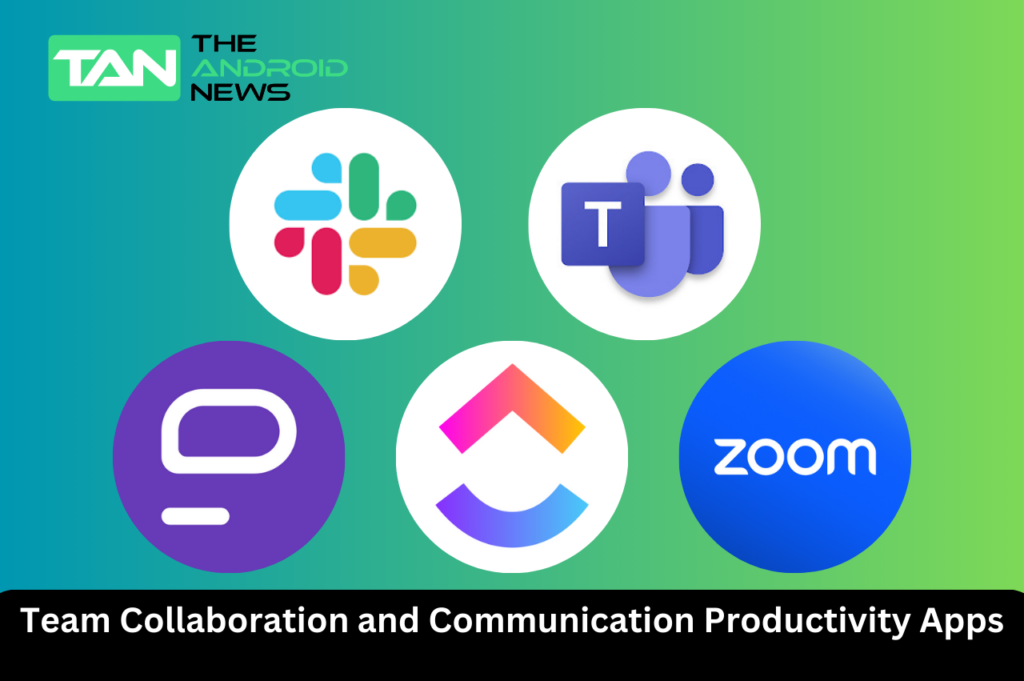
Collaboration apps are essential for teams working remotely or in-office, allowing seamless communication, file sharing, and project management. These apps help teams stay connected and ensure everyone is on the same page.
Slack
Slack is now the main communication tool for teams. It provides channels to organize conversations, direct messaging, and links to other productivity tools.
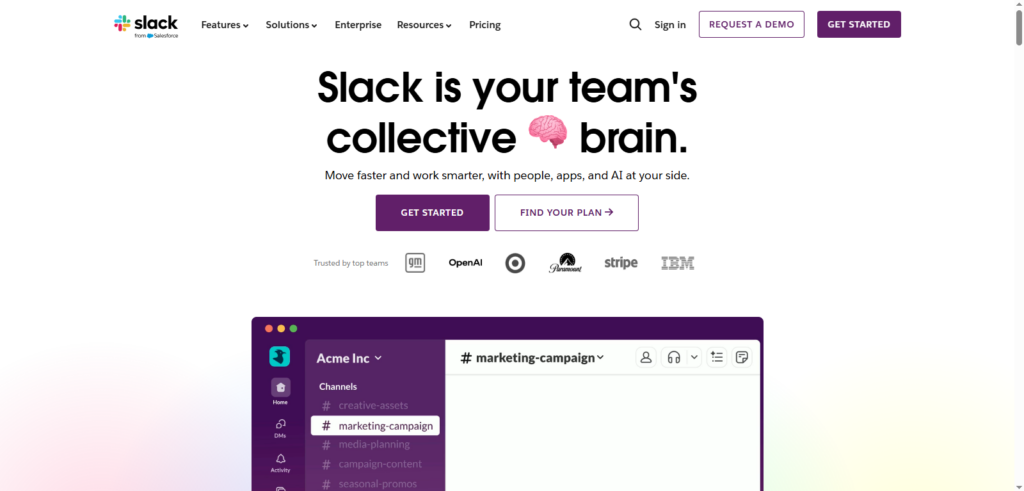
A hub for team communication helps to reduce email overload and create a more transparent work environment.
| What Makes Slack Powerful for Teams | Where Slack Can Be Challenging |
|---|---|
| Organized channels and direct messaging keep team communication structured | Too many notifications can become distracting for users |
| Integrates with many productivity and project management tools | Free version limits message history and some features |
| Reduces email overload by centralizing team conversations | Can feel complex for new users or small teams |
Microsoft Teams
Microsoft Teams is a comprehensive collaboration platform that combines chat, video conferencing, and file sharing into one tool.
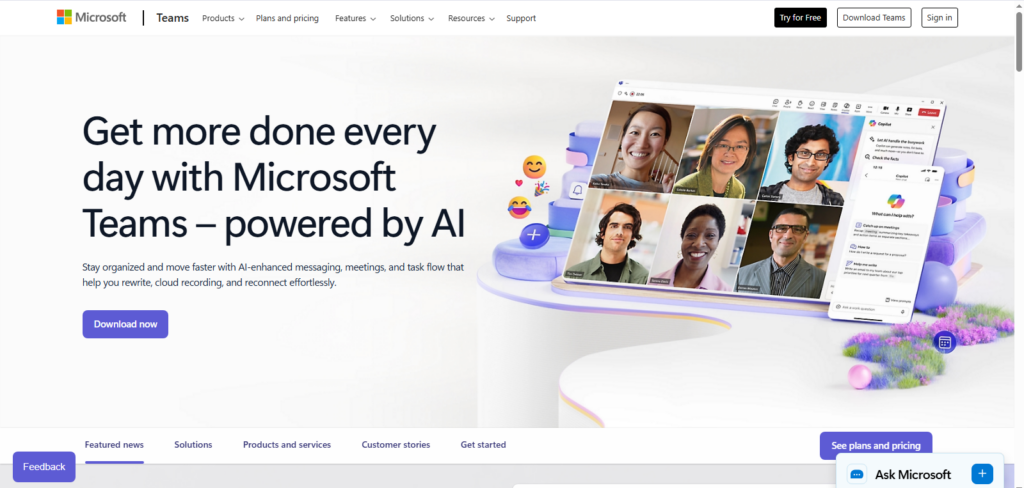
Part of the Microsoft 365 suite, it serves as a great choice for businesses that already use Word, Excel, and other Microsoft tools. Teams facilitates communication within and outside your organization. A strong platform for remote and hybrid work exists.
| Why Microsoft Teams Stands Out | Where Microsoft Teams Has Drawbacks |
|---|---|
| Combines chat, video calls, and file sharing in one platform | Can be overwhelming for small teams or new users |
| Seamless integration with Microsoft 365 apps like Word, Excel, and Outlook | Some advanced features require paid Microsoft 365 subscription |
| Strong support for remote and hybrid work environments | Interface can feel cluttered compared to simpler communication apps |
Pumble
Pumble is a free team chat app that rivals Slack in its simplicity and functionality.
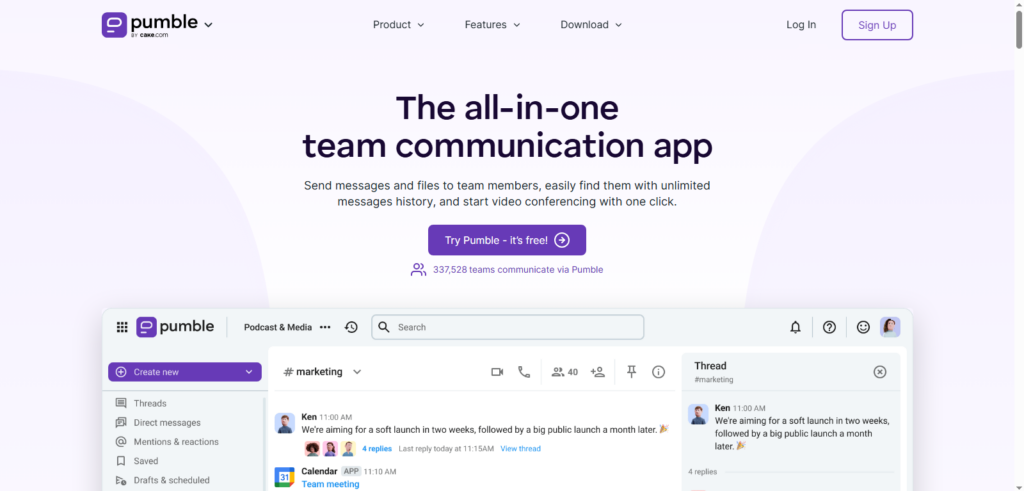
The design supports real-time messaging, allowing teams to collaborate in an organized and efficient manner.
| Why Pumble Is a Great Choice | Where Pumble Has Limitations |
|---|---|
| Free to use with unlimited chat history and team channels | Lacks some advanced integrations and features found in Slack or Teams |
| Simple and intuitive interface makes team communication easy | May not scale well for very large organizations |
| Cost-effective solution for small to mid-sized businesses | Fewer productivity tool integrations compared to premium alternatives |
Pumble provides unlimited chat history and team channels. This makes it a good choice for small to mid-sized businesses. A cost-effective communication tool exists.
ClickUp
ClickUp combines task management, communication, and project tracking in one platform. Highly customizable, the tool allows users to create workflows that suit their teams.
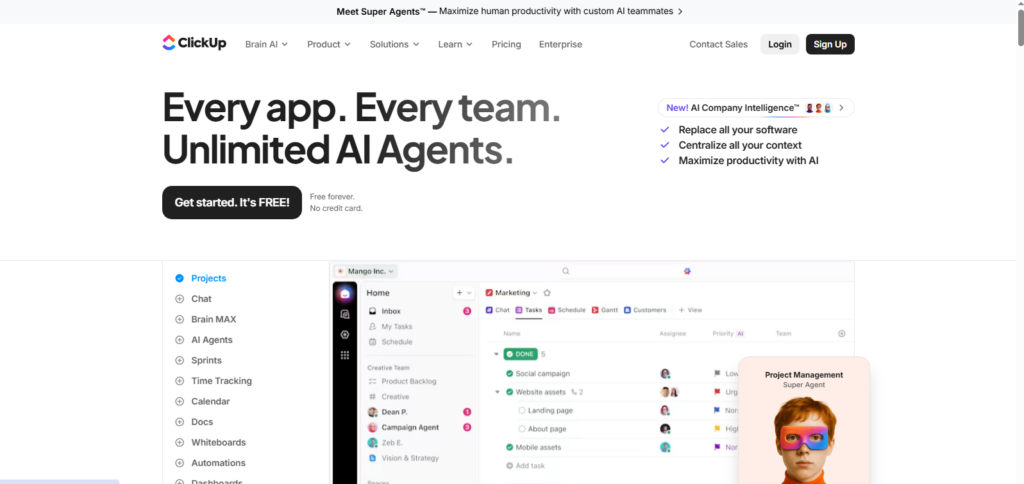
ClickUp has features like real-time chat, task assignments, goal tracking, and reporting. These tools make it one of the most flexible options for collaboration.
| Why ClickUp Is Flexible | Where ClickUp Can Be Tricky |
|---|---|
| Combines task management, communication, and project tracking in one platform | Can feel overwhelming due to the number of features and customization options |
| Real-time chat, task assignments, and goal tracking improve team collaboration | Steeper learning curve for new users compared to simpler tools |
| Highly customizable workflows to match team needs | Some advanced features require a paid plan |
Zoom
Zoom continues to be one of the leading video conferencing tools for team collaboration. Zoom provides clear video and audio for meetings, webinars, and online classes.
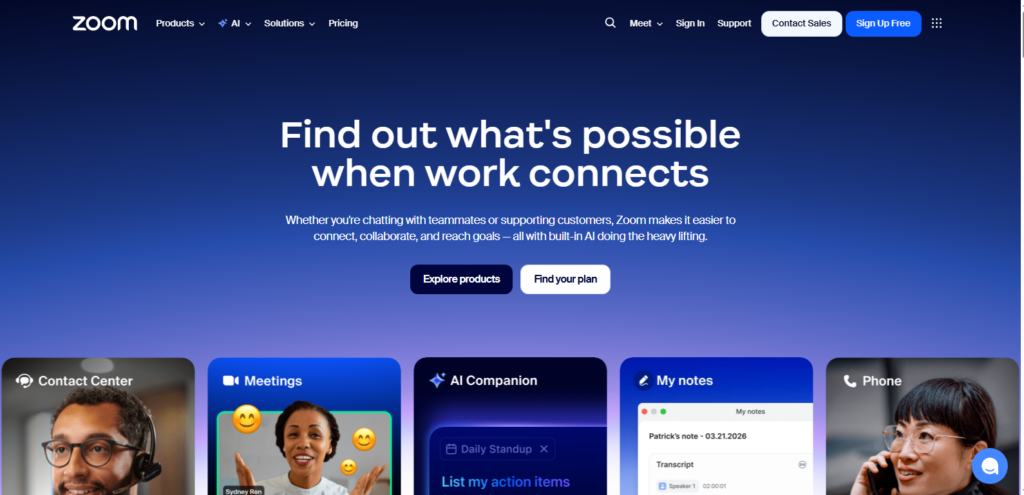
This makes remote communication simple and effective. The platform supports both small group meetings and large webinars with hundreds of participants.
| Why Zoom Works Well | Where Zoom Has Limitations |
|---|---|
| Reliable video and audio quality for meetings, webinars, and online classes | Free version limits meeting duration for group calls |
| Supports both small team meetings and large-scale webinars | Requires stable internet for best performance |
| Easy to use and widely adopted for remote collaboration | Lacks built-in project or task management features |
Note-Taking and Knowledge Management
Note-taking apps are essential for capturing ideas, organizing research, and managing documentation. These apps offer features like cloud sync, rich text formatting, and organizational tools to make sure your notes are always at hand.
Microsoft OneNote
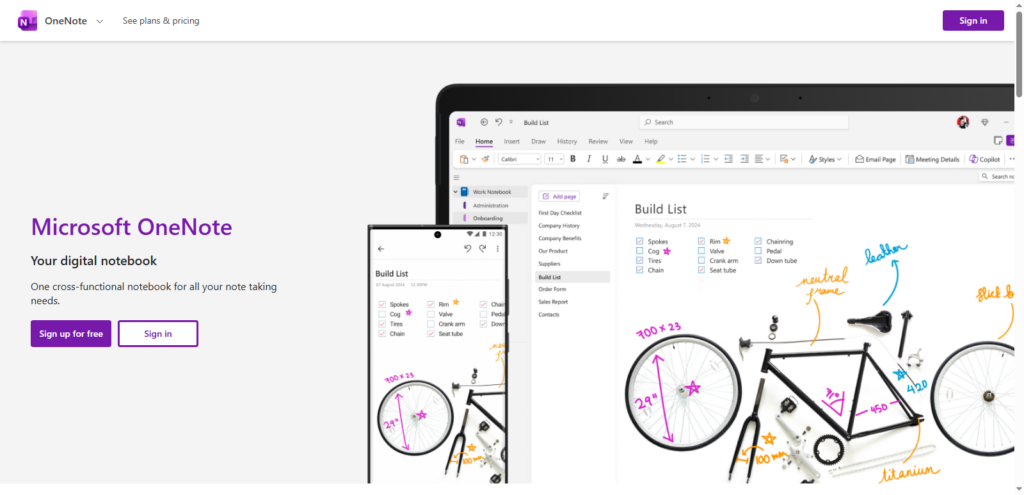
Microsoft OneNote is a powerful note-taking app. It lets users create, organize, and share notes on different devices. It supports multimedia content like images and audio, making it perfect for meetings, brainstorming, or personal note-keeping.
| Why Microsoft OneNote Stands Out | Where OneNote Has Limitations |
|---|---|
| Allows creation, organization, and sharing of notes across devices | Interface can feel cluttered for users who prefer minimalist apps |
| Supports multimedia content like images, audio, and drawings | Some advanced features are easier to use within the Microsoft ecosystem |
| Ideal for meetings, brainstorming, and personal note-keeping | Lacks built-in task management or habit tracking features |
OneNote integrates seamlessly with Microsoft 365, which is great for teams already using Microsoft’s ecosystem.
Evernote
Evernote is another top-tier note-taking app that offers extensive organizational features. It allows web clipping, rich formatting, and document attachments. This makes it a strong tool for research, writing, and project planning.
| Why Evernote Stands Out | Where Evernote Has Limitations |
|---|---|
| Offers web clipping, rich text formatting | Free version has limited monthly upload and device sync options |
| Robust search and tagging system makes finding notes fast and easy | Can feel overwhelming for users who prefer minimalist note-taking |
| Ideal for research, writing, and project planning | Some advanced features require a paid subscription |
Evernote’s robust search function and tagging system make it easy to find notes later, even in large databases.
Joplin
Joplin is an open-source alternative to note-taking giants like Evernote. It allows users to create notes in Markdown, sync them across devices, and organize them using tags.
| Why Joplin Appeals to Users | Where Joplin Has Limitations |
|---|---|
| Open-source and privacy-focused, giving full control over your data | Interface is less polished compared to commercial apps like Evernote |
| Supports Markdown notes, tagging, and cross-device sync | Fewer integrations with other productivity tools |
| Allows storing notes locally or on personal servers | Learning curve for users unfamiliar with Markdown |
People know Joplin for its privacy features. It can store notes on your device or personal servers. This gives users full control over their data.
Obsidian
Obsidian is a knowledge management app that focuses on creating interconnected notes. Users can link notes together, which is ideal for research, writing, and project planning. Its unique graph view shows the links between different ideas.
| Why Obsidian Stands Out | Where Obsidian Has Limitations |
|---|---|
| Ideal for research, writing, and project planning | Can be complex for beginners due to advanced linking features |
| Unique graph view visualizes relationships between ideas | Limited built-in collaboration tools for team use |
| Excellent for knowledge workers and academics managing large information networks | Some advanced features require paid add-ons |
This makes it exceptionally helpful for knowledge workers and academics.
Time Tracking and Focus Enhancement
Time management is crucial for productivity. These apps help users track how they spend their time, set work goals, and eliminate distractions.
Toggl Track
Toggl Track is a user-friendly time tracking app that helps users keep track of how long they spend on different tasks. Perfect for freelancers, teams, or anyone looking to optimize their time.
| Why Toggl Track Is Helpful | Where Toggl Track Has Limitations |
|---|---|
| Easy-to-use time tracking for tasks, projects, and teams | Free version has limited reporting and features |
| Detailed reports help with productivity assessment | Lacks task management or collaboration features beyond time tracking |
| Suitable for freelancers, small teams, and individual productivity optimization | Can require manual input for accurate tracking if not automated |
Toggl also offers detailed reporting, which is helpful for project billing and productivity assessment.
RescueTime
RescueTime is a powerful time management tool that runs in the background, tracking how much time you spend on websites and apps. It offers insights into productivity patterns and helps users identify time-wasting activities.
| Why RescueTime Works Well | Where RescueTime Has Limitations |
|---|---|
| Track time spent on apps and websites automatically | Free version has limited reporting and insights |
| Provides detailed productivity patterns to identify time-wasting activities | Lacks task management or collaboration features |
| Helps users regain focus and improve time management | Can feel intrusive if users prefer manual tracking |
For users who struggle with distractions, RescueTime is an excellent tool for regaining focus.
TimeFinder
TimeFinder is designed to help users organize their day and find the best times to complete tasks. TimeFinder looks at your schedule and habits. It suggests the best times to do important work.
| Why TimeFinder Is Useful | Where TimeFinder Has Limitations |
|---|---|
| complete tasks based on your schedule and habits | Limited integration with other productivity or calendar apps |
| Helps balance meetings, focused work, and personal tasks | Lacks advanced project management or team collaboration features |
| Improves daily planning and personal time optimization | Fewer customization options compared to comprehensive scheduling tools |
This helps you balance meetings, focused work, and personal tasks.
Automation and Workflow Optimization
Automation tools can significantly enhance productivity by automating repetitive tasks and creating seamless workflows across apps.
IFTTT (If This Then That)
IFTTT is a powerful automation tool that connects different apps and devices through “applets.” Users can create automated workflows to save time on repetitive tasks. This includes syncing data between services, automating social media posts, and managing smart home devices. Ideal for anyone looking to simplify their digital life.
Docusign
Docusign revolutionizes the way documents are signed by allowing users to upload, sign, and send documents digitally. Especially helpful for businesses that need regular document approvals. This includes legal firms, real estate agencies, and HR departments. The app eliminates the need for physical signatures and reduces delays in getting paperwork finalized.
Airtable
Airtable is a highly customizable spreadsheet-database hybrid that enables teams to create workflows tailored to their needs. Airtable is flexible and helps users manage content calendars, customer data, and project tasks. It allows people to organize information easily. It can also integrate with other productivity tools like Slack, Gmail, and more.
Project Management Productivity Apps
For larger teams or complex projects, strong project management tools help track tasks, meet deadlines, and ensure smooth collaboration.
Basecamp
Basecamp is a well-established project management tool designed for teams of all sizes. It organizes work into projects, which can include to-do lists, files, discussions, and calendars. Basecamp makes team communication easier by keeping all project tasks in one place. This helps you track progress and meet deadlines.
Zoho Projects
Zoho Projects is part of the Zoho Suite and offers a complete solution for managing projects. Zoho Projects has features like task tracking, Gantt charts, and resource allocation. These tools help teams manage their work and collaborate well. The app integrates with other Zoho products, making it a natural choice for businesses already using the Zoho ecosystem.
GanttPRO
GanttPRO is a Gantt chart-based project management tool that helps teams visualize project timelines and tasks. Perfect for project managers who need to create and track detailed plans. GanttPRO supports task dependencies, resource management, and collaborative features, making it a great tool for complex projects.
Miscellaneous Productivity Tools
Other tools focus on niche areas of productivity, such as document scanning, file management, and learning.
FineReader
FineReader is an advanced Optical Character Recognition (OCR) tool that converts scanned documents and images into editable text. Great for professionals who handle a lot of paperwork. It helps them digitize, edit, and manage documents more easily.
Skillshare
Skillshare is an online learning platform offering thousands of courses across various fields, from creative skills to business management. A great resource for professionals looking to expand their knowledge or learn new skills to enhance productivity exists.
Otter
Otter is a voice transcription tool that converts spoken words into written text. Especially helpful for meetings, interviews, and lectures. Users can transcribe conversations and capture important insights without taking notes by hand.
FAQs (Frequently Asked Questions)
1. What are the best apps for task management?
The best apps for task management include Todoist, TickTick, Google Tasks, and Things 3. These apps offer features like task prioritization, deadlines, and project organization to help you stay on top of your tasks.
2. Which productivity app is best for team collaboration?
For team collaboration, Slack and Microsoft Teams are top choices. Both offer messaging, file sharing, and integrations with other tools, making communication seamless within teams.
3. Can these productivity apps be used offline?
Many productivity apps, such as Evernote, Obsidian, and Microsoft OneNote, offer offline functionality, allowing users to work without an internet connection. However, syncing across devices typically requires internet access.
4. Are these apps available across different platforms?
Yes, most of the productivity apps mentioned, including Todoist, Trello, ClickUp, and Toggl Track, are available on multiple platforms, including Android, iOS, and desktop versions, ensuring users can access their tasks and projects on any device.
5. What is the best app for time tracking?
Toggl Track and RescueTime are two of the best apps for time tracking. They offer insights into how time is spent, helping users optimize their workday and improve productivity.
6. How do automation tools like IFTTT work?
IFTTT (If This Then That) works by creating automated workflows called “applets” that connect apps and devices. For example, you can automate tasks like syncing Google Calendar with Trello or posting on social media automatically. It’s an excellent tool for saving time on repetitive tasks.
Bottom lines
In a world where efficiency and productivity matter for success, having the right tools can make a significant impact. This guide includes apps that can help you with various productivity tasks. You can use them to manage personal tasks, work with teams, track your time, and automate repetitive tasks. To improve productivity, choose the right tools for your workflow or business needs.
There are many apps to help you work smarter. You can use task management apps like Todoist and TickTick. For team collaboration, try Slack and Microsoft Teams.
If you need time tracking, consider Toggl Track and RescueTime. These tools can make your work easier.
By integrating these tools into your daily routine, you can boost efficiency, reduce stress, and achieve your goals more effectively.