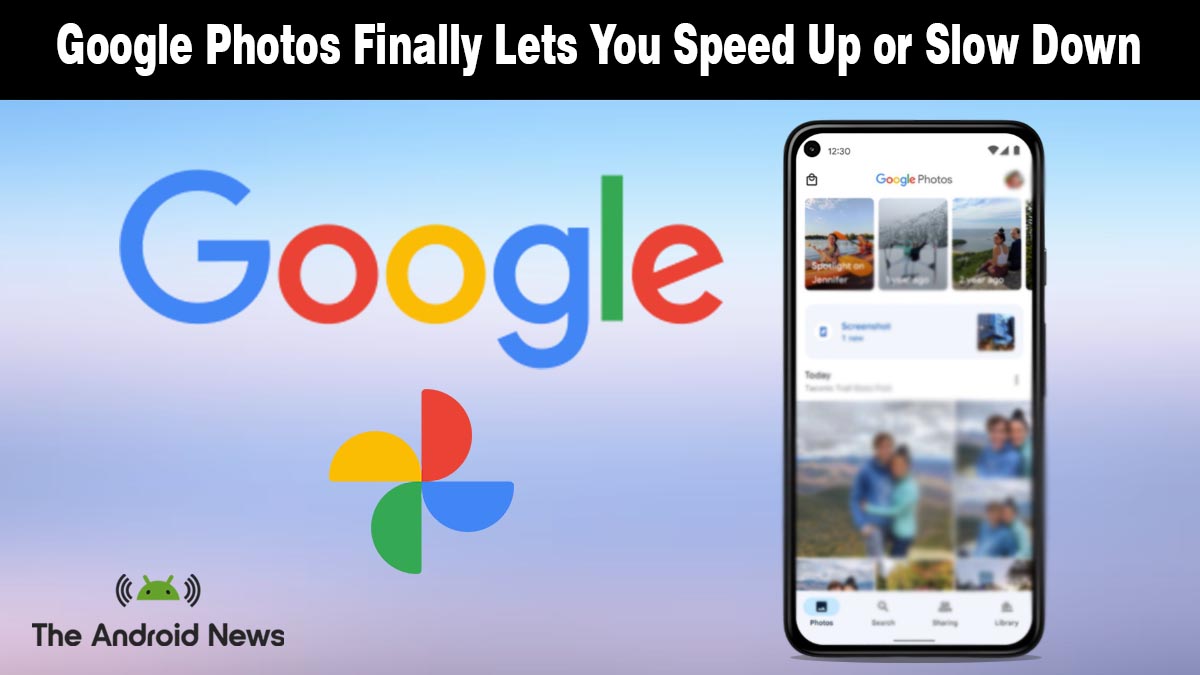
Google Photos Finally Lets Android Users Control Video Playback Speed
Google Photos just added a feature Android users have been asking for, and one that somehow took years to arrive.
Video playback speed controls are now rolling out in Google Photos, letting you slow down or speed up videos directly inside the app without exporting them to another editor.
What the New Video Playback Feature Actually Does
According to Android Police, Google Photos now includes a built-in playback speed option for videos. Instead of watching every clip at the default speed, users can adjust how fast the video plays directly inside the player.
Here is how it works:
- Open Google Photos and select any video in your library
- Tap the three-dot menu in the top corner of the player
- Choose the Playback speed option
- Select a speed from 0.25x, 0.5x, 1x, 1.5x, or 2x
- The video instantly adjusts to the chosen speed while playing
The feature works directly inside the Photos video player, meaning you don’t need to export clips to a separate editing app just to skim through long recordings.
For slow-motion moments or long recordings where you only need to review certain parts, the ability to adjust playback speed makes browsing videos noticeably easier.
Why This Took So Long And Why It Still Matters
Playback speed control might sound basic, but surprisingly, Google Photos never offered it before. Users had to export videos to third-party apps just to speed up or slow down playback.
As Android Central notes, this has been one of the most requested features from the Google Photos community.
The addition may seem minor compared to AI-powered Android tools, but it solves a real usability problem. Anyone who records long events, lectures, or travel clips knows how tedious it can be to scrub through minutes of footage at normal speed.
Users can review recordings at speeds up to 2× faster or slow playback to examine specific moments.
How to Get It and What Is Coming Next
The video playback speed option is rolling out gradually through updates to Google Photos on Android. If the option does not appear immediately, make sure your app is updated to the latest version and check again after a few days.
Google says the feature is part of a broader wave of improvements arriving in the Photos app, including expanded AI editing tools and enhancements to video editing workflows.
More updates are likely as Google Photos moves beyond what it originally started as: a backup app.