Google Pixel Transit Mode Is Rolling Out, But It Has a Few Catches Worth Knowing
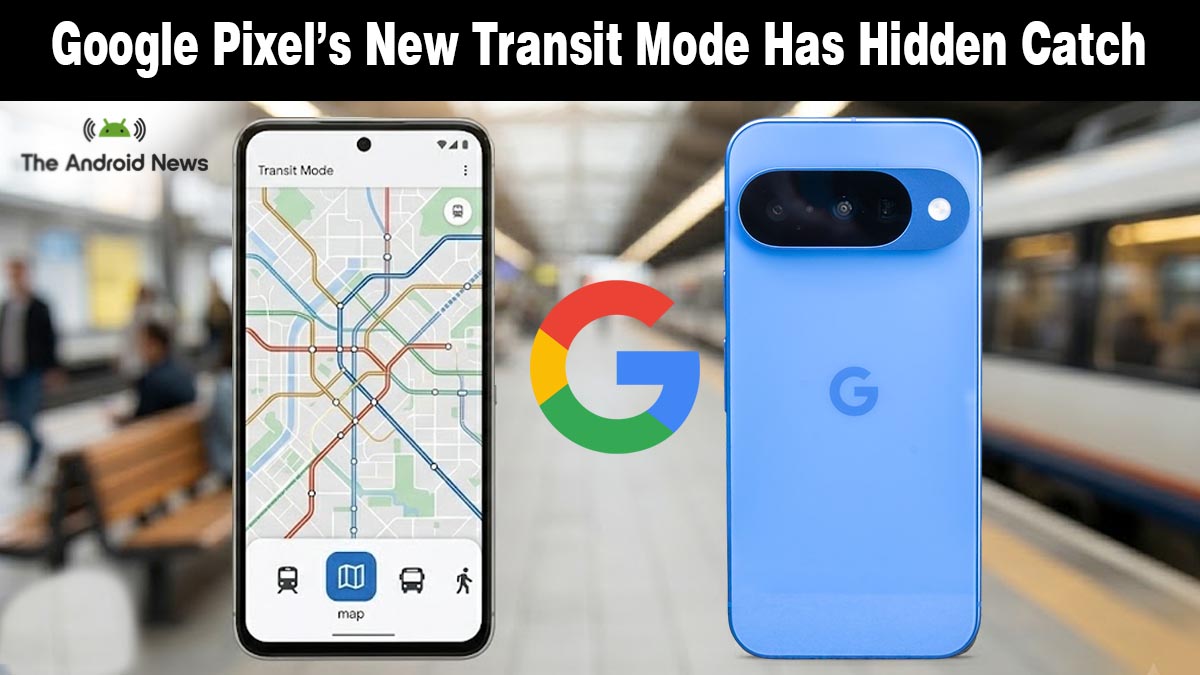
Google Pixel just got one of its most practical commuter upgrades in years. Transit mode has completed its wide rollout as part of the March 2026 Pixel Drop, a dedicated mode that automatically adjusts your phone settings the moment you step onto a bus or train.
It sounds brilliant. And for the most part, it is. But there are a few key details Google hasn’t made clear yet.
What Is Pixel Transit Mode and What Does It Do?
According to Android Police, Transit mode rolled out globally to Pixel 7 and newer devices running the March 2026 update, and it sits inside the existing Modes system alongside Do Not Disturb, Bedtime, and Driving.
Here is what Transit mode controls once enabled:
- Sound profile: Choose Sound on, Vibrate only, or Silent during your commute
- Bluetooth toggle: Automatically turns on Bluetooth to connect your earbuds the moment you enter transit
- Notification filters: Choose which contacts and apps can still reach you, and silence everything else
- Display settings: Enables dark mode, dims your wallpaper, or switches to grayscale for visual privacy on crowded trains
- At a Glance integration: Real-time commute delays, departure times, and alternative routes appear directly on your lock screen and home screen
Why the Skepticism Is Justified
This is where it gets interesting. Android Authority’s hands-on review of Transit mode flagged something the announcement quietly glossed over: it does not trigger automatically. You still have to manually activate it each commute or tap the Quick Settings tile before boarding.
For a feature meant to ease commuting, having to turn it on manually every time is ironic; you must remember the mode designed to free your mind.
On top of that, the real-time commute alerts via At a Glance take 2 to 3 weeks to appear after setup because Google Maps needs time to learn your patterns. Plus, the feature isn’t available in Europe or the UK at launch, limiting its reach where it could be most useful.
There’s also a bigger question around your phone’s security and privacy. Transit mode requires background location, precise location, timeline, and web and app activity, all enabled: a heavy data trade for a commute tool.
Which Devices Get It and How to Set It Up
Transit mode is available on Pixel 7 and newer, excluding the Pixel Tablet, and only outside Europe and the UK. If your March 2026 update is installed, head to Settings > Modes > Transit and tap Set up commute notifications.
You will need to add your home and work addresses and grant the prompted permissions. If it has not appeared yet, it is part of a gradual server-side rollout, so give it a few more days.
Understanding how Android updates reach your device helps explain why some users see features before others and why rollouts like this can feel staggered.
A Genuinely Useful Feature Once Google Finishes It
Transit mode is the right idea. The execution just needs one more step, automatic detection. When Google adds that, this becomes one of the best Pixel-only features in years. Right now, it is a very good manual tool pretending to be a smart one.
Source: Manage your commute on Pixel